Klein MM450 Multimeter: Uses, Safety and Stated Specs
As an Amazon Associate we earn from qualifying purchases.
The Klein Tools MM450 is a slim, TRMS, auto-ranging digital multimeter. Klein’s product page says it measures AC and DC voltage, AC and DC current, and resistance, and that it also reads temperature, capacitance, frequency, duty cycle, diodes and continuity. Klein publishes a CAT III 600 V safety rating for it. That rating limits the circuits the meter is suited to, so read the safety section before you connect it to anything live.
Quick answer
- Best fit: general electrical, home and light automotive checks on circuits rated 600 V or below, where a pocket-size meter is preferred.
- Published rating: CAT III 600 V, per Klein’s product page and selection guide. Klein also lists CE and UKCA certification.
- Stated limits: up to 600 V AC/DC, up to 10 A AC/DC current, and up to 50 MΩ resistance.
- Not for: measurements above 600 V, work where a CAT IV rating is required, and any test where you have not first confirmed a known voltage source.
What the MM450 measures
Klein describes the MM450 as a TRMS auto-ranging slim multimeter. TRMS means true root mean square. A True-RMS meter estimates the heating value of a distorted AC waveform more accurately than an average-responding meter does, which matters on variable-speed drives, electronic loads and some lighting circuits. Auto-ranging means the meter picks the measurement range for you, so you turn the dial to a function such as volts or ohms rather than to a specific range.
The product page lists the following functions: AC voltage, DC voltage, AC current up to 10 A, DC current up to 10 A, resistance up to 50 MΩ, continuity, diode testing, temperature, capacitance up to 400 µF, and frequency from 1 Hz to 50 kHz. The display is a 4000-count LCD. A count is the highest number the display can show before the meter changes range, so a 4000-count display gives about three and a half digits of resolution at most.
The selection guide that Klein published in August 2026 places the MM450 next to its other meters. The guide lists a 6.5 ft (2 m) drop protection rating for the MM450 and shows its temperature range as -40 °F to 1832 °F. Where the selection guide and the product page describe the same feature, the two agree.
Safety rating and what it means
CAT is a measurement category. It describes the environment a meter is designed to be used in, and the energy that can be available there. The sources we opened do not spell out the category definitions, so treat this as a general note: a higher CAT number means the meter is designed for a higher available energy level, and the rating on the meter applies to its own category, not to every job.
Klein states CAT III 600 V for the MM450. In plain terms, that means the meter is rated for work on fixed building wiring at 600 V or below, measured to ground. It does not mean the meter is rated for service-entrance work, for utility equipment, or for anything above 600 V. If your job is at the service entrance or on utility equipment, choose a meter whose published rating covers that point, and check the rating against the circuit before you start.
A CAT rating is only one part of safety. The meter’s fuses, leads, probes and battery compartment also need to be in good condition. A cracked lead or a damaged case can expose a live conductor even when the meter is correctly rated.
Safe use before you start
Mains electricity can kill. Work on energized panels, service equipment and any circuit you are not trained to handle belongs to a licensed electrician. The steps below cover the meter, not the job.
- Inspect the meter and leads. Look for cracked insulation, bent probe tips or a damaged case. Do not use the meter if it is damaged.
- Check the function and range before you connect. Set the dial to voltage for voltage checks. Never place the meter in a current position across a voltage source, because that can short the circuit.
- Test on a known source first. Confirm the meter reads a known voltage, such as a working outlet, before and after the measurement. The sources we opened do not require this step, so treat it as general practice and check the full manual.
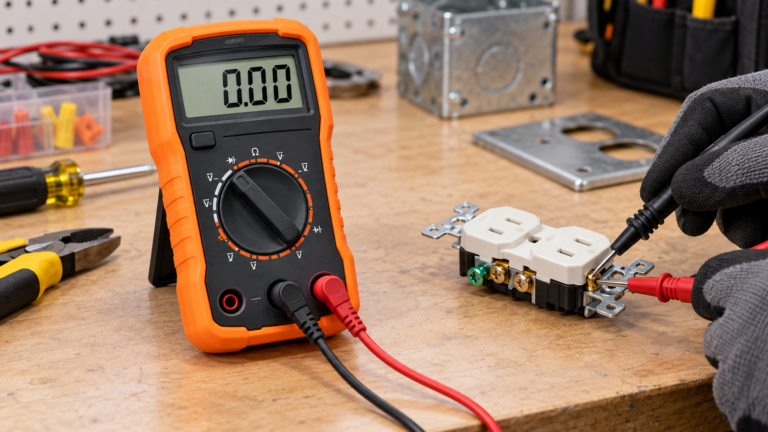
- Stop if the reading does not make sense. A reading of zero on a circuit you expect to be live can mean a blown fuse, a dead battery, a poor probe contact or a wiring fault. Do not keep probing to find out.
Step-by-step: measuring voltage
- Set the dial to the AC voltage or DC voltage position that matches your circuit.
- Insert the black lead into the COM jack and the red lead into the VΩ jack.
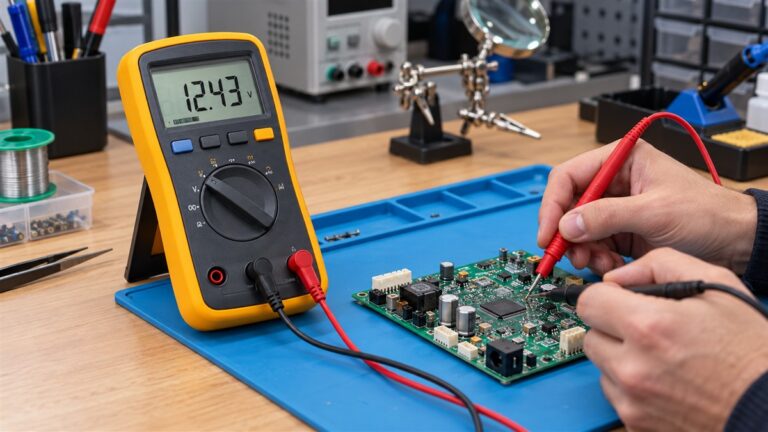
- Touch the black probe to the neutral or ground reference point, then touch the red probe to the point you want to measure.
- Read the display. The meter selects the range automatically.
- Remove the probes in the reverse order, and confirm the meter again on the known source.
The same connection logic applies to resistance and continuity, except the circuit must be de-energized. Always remove power before you measure resistance or continuity, because applying a voltage to a resistance function can damage the meter.
Specifications Klein states
The table below uses only figures that Klein publishes in the three documents listed at the end of this article. Where a figure is not published, the cell says so.
| Item | Klein states |
|---|---|
| Measurement type | TRMS, auto-ranging |
| Voltage | AC and DC up to 600 V |
| Current | AC and DC up to 10 A |
| Resistance | Up to 50 MΩ |
| Capacitance | Up to 400 µF |
| Frequency | 1 Hz to 50 kHz |
| Display | 4000-count LCD |
| Safety rating | CAT III 600 V |
| Drop protection | 6.5 ft (2 m), per the selection guide |
| Temperature range (measurement) | -40 °F to 1832 °F, per the selection guide |
| Battery type and life | Not stated in the sources we opened |
| Fuse rating for the current jack | Not stated in the sources we opened |
| Accuracy figures | Not stated in the sources we opened |
Reading the display and choosing a function
The MM450 selects its functions with a function selection switch, so the first habit to build is checking the dial before you touch the probes. Most wrong readings on any multimeter come from the wrong function, not from the meter itself. A quick check takes a few seconds: confirm whether you need AC or DC, whether you are measuring volts, amps or ohms, and whether the circuit is energized. If any answer is unclear, stop and find out before you connect anything.
The 4000-count display gives a resolution that is adequate for most household and automotive checks, such as confirming that a circuit is at mains voltage or that a battery is close to its rated voltage. It is less suited to work that needs fine resolution across a wide span. The sources we opened do not give the display’s update rate, so if you need to watch a value change over time, check the full manual first.
Auto-ranging helps when the value you expect is unknown. You do not need to step through ranges, and the meter reports the value on the display. Auto-ranging does not change the safety rating, and it does not tell you whether the circuit is safe to touch. Read the display, confirm the function, and then decide.
The 10 A current limit is the most important number to remember for current work. If the current you expect is above 10 A, the MM450 is the wrong tool, and a clamp meter with a higher range is the better choice. The product page lists the MM450 current range as 10 A AC and DC, so do not assume a higher range from a related Klein model.
Capacitance up to 400 µF and frequency from 1 Hz to 50 kHz are listed functions. Both are useful for checks on capacitors and signal sources, but the sources we opened do not describe the test setup for either measurement. For capacitance, treat any charged component with care, and follow the procedure in the full manual.
When a clamp meter is the better tool
A clamp meter measures current by sensing the magnetic field around a conductor, so you do not need to break the circuit to read the current. The MM450 does not work that way. Its current measurement uses its own jacks, which means the meter must be placed in series with the load. That is practical for small loads and bench tests, and not practical for live distribution wiring, large motors or a circuit you cannot open. If your job is mostly current measurement on energized conductors, consider a clamp meter instead, and read the clamp’s own published rating before you buy.
The MM450 remains a good choice for voltage, resistance and continuity work in a compact package. Keep both tools in the kit if your jobs vary, and label each one with its published rating so the right tool is used for each circuit.
Checks before you buy
- Confirm the circuit’s voltage and category. A CAT III 600 V meter suits fixed building wiring up to 600 V. It does not suit utility or service-entrance work.
- Decide whether you need current in amps. The MM450 measures current up to 10 A. If your work needs higher currents, a clamp meter is usually the better tool, because it measures current without breaking the circuit.
- Check the functions you actually use. Temperature, capacitance and frequency are listed, but the sources do not give accuracy figures for each function. If accuracy matters to your job, confirm it in the full manual before you buy.
- Look at the leads and accessories. The sources we opened do not state the CAT rating of the leads. Check the leads’ own markings before you rely on them for a CAT III job.
- Consider what you will do with it. A slim meter is convenient in a pocket, but a larger meter with a bigger display may suit work on a bench better.
Mistakes to avoid
- Using the meter above its rating. The CAT III 600 V rating is a limit, not a target.
- Measuring current across a voltage source. In a current position the meter has very low resistance, so connecting it across a voltage can cause a short.
- Reading a zero as proof of no voltage. Confirm the meter on a known source before and after each test.
- Measuring resistance on a live circuit. Remove power first.
How we chose
This guide covers one model, the Klein MM450, because the keyword names it directly. We checked three Klein Tools documents: the product page on kleintools.com, the Klein multimeter selection guide dated 08.2026, and the Klein digital multimeter sell sheet. We read these documents on 27 October 2026. We did not use retailer listings or third-party copies for any figure in this article. We also did not compare the MM450 with other meters beyond what the selection guide shows in its own columns.
What we could not verify
- The sources we opened do not give the MM450’s accuracy figures for each function.
- The sources do not state the battery type, battery life or the rating of the current-jack fuse.
- The sources do not state an IP rating for the MM450. The selection guide shows an IP rating only for a different model.
- The sources do not give the step-by-step procedures for each function. The steps in this article are general practice and should be checked against the full Klein manual before use.
Frequently asked questions
Is the Klein MM450 safe for household wiring?
Klein publishes a CAT III 600 V rating for the MM450. That rating covers fixed building wiring at 600 V or below. Use the meter only within that rating, and follow the safety steps above. Panel and service work should be left to a licensed electrician.
Does the MM450 measure current without opening the circuit?
No. The MM450 measures current through its own current jacks, which means the circuit must be broken and the meter placed in series. For current measurement without breaking the circuit, a clamp meter is the usual choice.
Is the MM450 a True-RMS meter?
Yes. Klein describes it as TRMS. TRMS matters most when the waveform is distorted, such as on variable-speed drives and some electronic loads.
Can the MM450 measure temperature?
Klein lists temperature among the MM450’s functions. The selection guide gives a measurement range of -40 °F to 1832 °F. Confirm the probe type you need in the full manual before you buy.
Does the MM450 have a backlight?
The product page describes a high-visibility, reverse-contrast display with an optical sensor that adjusts for light conditions. The sources do not describe a separate backlight button, so check the manual before you assume one.
What should I check first if the reading looks wrong?
Check the function dial, the lead connections, and the battery. Then confirm the meter on a known source. If the reading is still wrong, stop and have the circuit checked by someone trained to do so.
Bottom line
The Klein MM450 is a slim TRMS auto-ranging meter with a published CAT III 600 V rating, a 4000-count display and stated current and resistance limits. Use it only within those limits, test on a known source before and after each measurement, and leave panel and service-entrance work to a licensed electrician.
Related guides
- Best Multimeters for Electricians compares meters for trade work and the ratings to check.
- Best True RMS Multimeters explains where TRMS matters and which listings state it.
- Best Non Contact Voltage Tester covers a quick check before you touch a wire.
Sources
- Klein Tools, “Slim Digital Multimeter, TRMS Auto-Ranging, 600V, Temp – MM450” (product page), https://kleintools.com/product/MM450, opened 27 October 2026. Manufacturer source.
- Klein Tools, “Multimeter Selection Guide”, dated 08.2026, https://data.kleintools.com/sites/all/product_assets/documents/brochures/klein/Multimeter_SelectionGuide_08.2026.pdf, opened 27 October 2026. Manufacturer source.
- Klein Tools, “Digital Multimeters” sell sheet, item 82772, https://data.kleintools.com/sites/all/product_assets/documents/brochures/klein/82772_DigitalMultimeters_SellSheet_wr.pdf, opened 27 October 2026. Manufacturer source.
No third-party copies were used for this article.