What Is a Multimeter Display
As an Amazon Associate we earn from qualifying purchases.
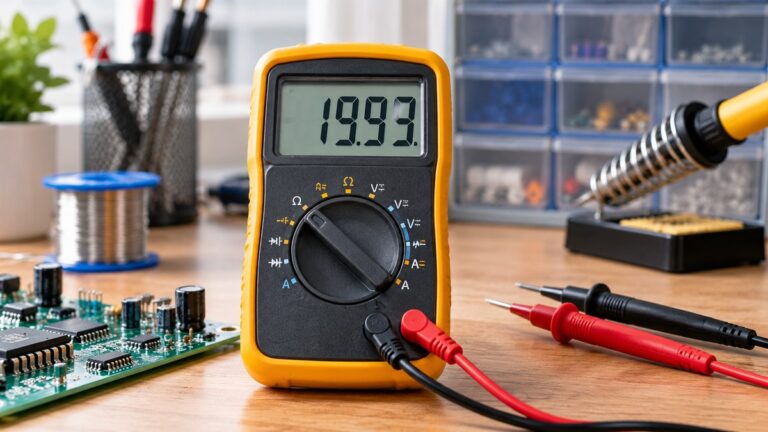
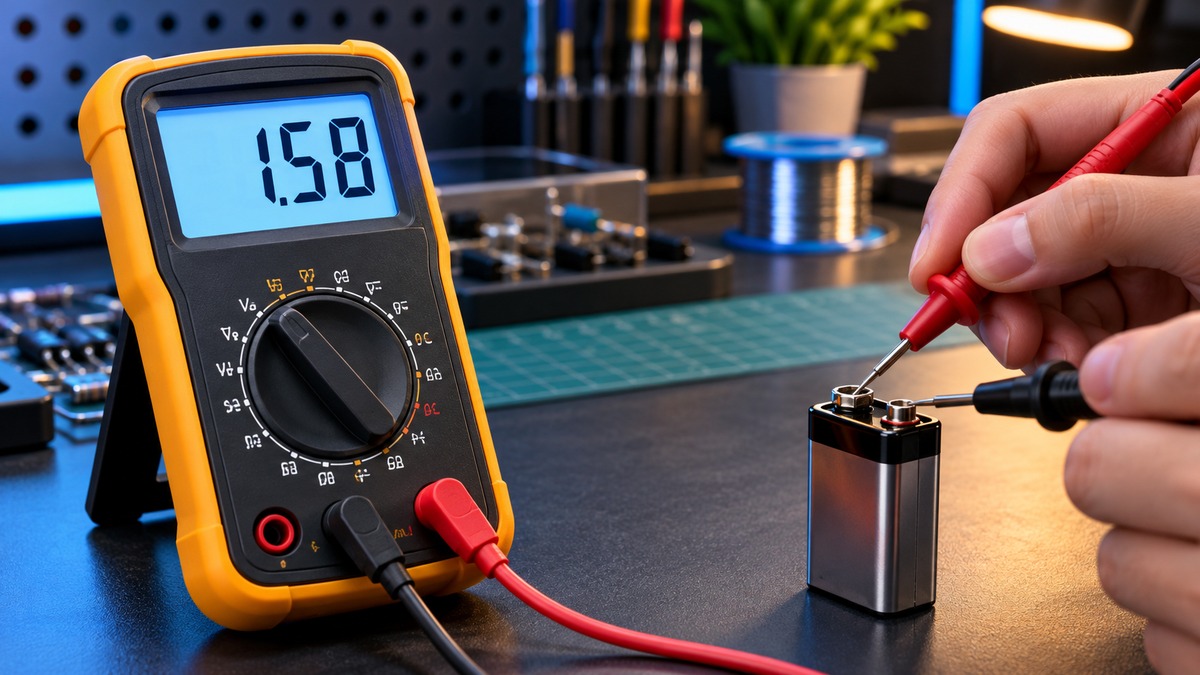
What is a multimeter display? It is the screen that shows the value a meter is measuring, the unit for that value, and a set of small symbols that describe the function, the range and the meter’s status. The display answers one narrow question: what number the meter reads right now, for the function set on the dial. For the wider idea of the device, see our guide to what a digital multimeter is.
Electrical safety
Mains work can kill. Before any reading, confirm that the meter’s CAT rating matches the circuit, and read that rating from the listing or the manufacturer’s manual. Panel and service wiring is work for a licensed electrician.
A clear display does not make a meter safe for mains. The Extech EX410A manual says improper use of the meter “can cause damage, shock, injury or death.” The Fluke safety guide says “Working with electricity always carries a risk.” The Klein MM400 manual gives “CAT III 600V” as the safety rating for that model, and the Klein MM1000 manual gives “CATIII 1000V, CAT IV 600V” for its own model. Those ratings apply only to those two models. For any other meter, the rating must come from that meter’s listing or manual, and this guide does not supply one.
This guide covers display symbols and low-voltage bench readings only. It gives no steps for outlets, breaker panels or service wiring, and a symbol on the screen never shows that a circuit is safe to touch.
Quick answer
- The main readout shows the value for the function and range you selected, with a unit that matches that function.
- A minus sign means the reading is negative. The Klein MM400 and Extech EX410A manuals both describe it this way.
- An overload or over-range symbol, such as “OL” on one model or a lone “1” on another, means the input is beyond what the meter is set to show.
- Mode and status icons tell you whether the reading is held, relative, auto-ranged, or affected by a low battery.
- A steady number is not the same as an accurate one. Accuracy is a separate specification.
Digits, counts and the decimal point
The main readout is a string of digits, and manuals describe its capacity in counts. The Klein MM400 manual lists a “4000 count LCD display.” The Extech EX410A manual lists a 2000-count LCD, and the Klein MM1000 manual lists a 3999-count LCD. Each figure belongs to its own model.
Tektronix explains the arithmetic behind the digit labels. It describes a 3 1/2-digit display as 2000 counts, which covers 1999 plus the reading of zero. It also explains the extra leading digit: that digit can show only a zero, which may be blanked, or a one for a full-scale reading of 1999.
The decimal point is not fixed. The Klein MM400 specification table lists readings such as 40.00 mA and 400.0 mA on its current ranges, so the decimal point moves as the range changes. Read the unit beside the digits before you note a value, because the same string of digits can stand for different sizes on different ranges.
Units and polarity
Units sit beside the number on the display. The Fluke display breakdown lists measurement units as an indicator in its own right, separate from the function symbols on the dial. The unit is the part that tells you what the digits measure, so a bare number is incomplete.
The minus sign is the polarity indicator. The Klein MM400 manual says a “-” on the display indicates negative polarity. The Extech EX410A manual shows no sign for positive polarity and a minus sign for negative polarity. The Fluke ABCs of DMMs says an autopolarity meter with reversed connections will simply show a minus sign.
A minus sign describes direction. It is not an error code, and it does not tell you whether the input is within the meter’s limits.
Overload and out-of-range symbols
Overload symbols differ from one meter to another, so check the letters against your own manual. The Klein MM400 manual shows “OL” on the display for an overload, and it lists overload protection in the same specification block. The Extech EX410A manual uses a “1” on its own for an over-range reading, and it says that value exceeds the range you have selected. The Klein MM1000 manual uses the letters “O.L.” to mean a blown fuse. The same two letters therefore carry different meanings across these models.
A display can also show a number when nothing is connected. The EX410A manual notes that on some low AC and DC voltage ranges, with the test leads not connected to a device, the display may show a random, changing reading. A number that moves with the leads open does not describe any circuit.
Mode and status indicators
Most of the small symbols on a display describe a state rather than a value. The Fluke symbols page lists the indicators on its display diagram, including Auto Hold active, Display hold, Min Max recording, Selected range, Auto or Manual range, Low battery indicator and an analog bar graph. The same page says that no single model contains all of its functions, so your meter may show only some of them.
The named manuals explain several of the indicators you are likely to see:
- Hold. The EX410A manual lists a Hold button that “freezes displayed reading,” along with a “Display hold” symbol. Fluke describes Hold as capturing and holding a stable measurement.
- Relative mode. Fluke describes REL mode as storing an existing reading and resetting the display to zero, so later readings show the difference from the stored value.
- Auto range. The Klein MM1000 manual says “AT is displayed on LCD only during auto ranging mode.” The Klein MM400 manual says an indicator on the LCD is deactivated when you press the RANGE button to select a range by hand.
- AC or DC. The Klein MM400 manual says “The AC or DC icon on the LCD indicates which mode is selected.”
- Battery. The EX410A manual says that when the low battery icon appears, “the battery voltage is low and the battery should be replaced.” The Klein MM1000 manual gives the same instruction for its own indicator.
- Connection. The EX410A manual describes a “Test lead connection error” symbol. It appears, with a buzzer, when the positive lead is in a current jack while a non-current function is selected.
Display type: LCD and segments
The three named manuals describe liquid crystal displays. The Klein MM400 manual refers to its readout as an LCD, and the Extech EX410A and Klein MM1000 manuals do the same. Tektronix explains that the operating temperature range of a handheld meter is usually limited by its LCD. At low temperatures the LCD becomes sluggish and hard to read, and at high temperatures contrast may degrade.
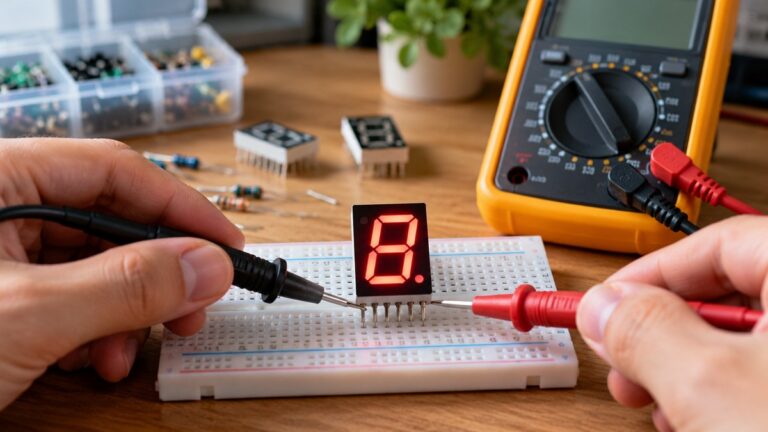
The sources we opened do not describe a multimeter readout as a seven-segment display, so this guide does not describe segment wiring or segment-by-segment checks. The Klein MM1000 manual has its own list of symbols used on the LCD, and that list is the reference for that model.
The bar graph
Some meters add an analog bar graph beneath the digits. The Fluke ABCs of DMMs says a bar graph shows changes and trends in a signal much like an analog needle. The Klein MM1000 manual says its bar graph responds much faster than the digital display. A bar graph therefore helps you see direction and movement, while the digits remain the number you record.
What the display can and cannot tell you about the signal
The display shows the number the meter computes for the function and range you selected. Several things stay outside that number.
- Accuracy. Accuracy is a separate specification. The Fluke ABCs of DMMs describes it as how close the displayed measurement is to the actual value, usually given as a percent of reading. Extra digits do not change that figure.
- Stability. A steady digit is not proof of accuracy. The Tektronix whitepaper says that even if the reading appears stable, it may not be accurate.
- Trailing digits. Tektronix says the rightmost digits often change rapidly and are blanked when they carry no meaning for the function. A digit that keeps moving may tell you nothing about the signal.
- Waveform shape. The Fluke ABCs of DMMs says that many basic meters are average responding, and that they give accurate RMS readings for AC voltage if the signal is a pure sine wave. A single number does not reveal the waveform. For buying context on true RMS meters, see our true RMS digital clamp meter roundup.
- Safety. The Fluke safety guide says a display can show visual warnings, for example for unsafe voltages of 30 V or greater at the probes. That is a model feature to confirm in its manual, and it does not make a circuit safe.
What to look at on the screen
The table lists the indicators quoted above. Each meaning applies only to the model named in its source column.
| Indicator on screen | What the manual says it means | Source |
|---|---|---|
| A minus sign before the value | Negative polarity | Klein MM400 and Extech EX410A manuals |
| OL | Overload | Klein MM400 manual |
| A lone 1 | Over-range: the value exceeds the selected range | Extech EX410A manual |
| O.L. | Blown fuse | Klein MM1000 manual |
| Hold or Display hold | The reading is frozen on the screen | Extech EX410A manual; Fluke symbols page |
| AT | Auto ranging is active | Klein MM1000 manual |
| AC or DC icon | The mode selected | Klein MM400 manual |
| Low battery icon | Batteries should be replaced | Extech EX410A manual; Klein MM1000 manual |
| Test lead connection error | Positive lead in a current jack while a non-current function is selected | Extech EX410A manual |
Common mistakes
- Reading a minus sign as a fault. It shows polarity, as the Klein MM400 and Extech EX410A manuals describe.
- Treating every OL as the same condition. The Klein MM1000 manual uses O.L. for a blown fuse.
- Writing down a held reading as a live one. The EX410A Hold function freezes the displayed reading until you exit it.
- Trusting the last digit. Tektronix notes that trailing digits can change quickly and may carry no meaning for the function.
- Reading the bar graph as the value. The bar graph shows trend and movement, and the digits give the value.
- Using the count as a safety rating. Counts describe the display’s resolution. CAT ratings are a separate specification, and the Fluke safety guide says to check them for the category you may work in.
How we chose
We started from the question a reader asks when a meter screen shows a symbol they do not recognize, and then looked for pages that describe the display itself rather than a product. We opened fourteen addresses with curl on 2026-10-22. Thirteen returned a page we could read. One OSHA page returned HTTP 403, so it does not count and is not used. The pages in the sources list are the ones that describe display parts and indicators.
For named meters we kept only facts that appear in that model’s own manual. We did not rank meters, did not recommend a brand, and did not use retail listings for display facts. Counts, analog-versus-digital meters and dial symbols are separate topics.
What we could not verify
The sources we opened do not give a full symbol table for any meter, and no single source shows every indicator on one screen. Each manual lists the symbols for its own model only. The sources do not say how fast any display refreshes.
We found no source that describes a multimeter display as a seven-segment display, so this guide does not describe one. None of the sources we opened states that a meter’s screen can show a waveform.
The Fluke safety guide describes visual warnings as something a display can show, but it does not say which models have that feature. The Extech EX410A manual is hosted on a third-party site rather than the manufacturer’s own download page, and its copy has not been confirmed against the manufacturer’s files. The CAT ratings in this guide come only from the Klein MM400 and Klein MM1000 manuals, and this page gives no CAT rating for any other model.
Frequently asked questions
What does the minus sign on a multimeter display mean?
It means the reading is negative. On the Extech EX410A, that appears when the leads are swapped during a DC voltage check. The sign shows direction, so it is not an error code.
Why does the display show only a 1?
On the Extech EX410A, a lone 1 means the value is above the range you have selected, and the manual says to move to a higher range. Other models use different symbols, so the manual for your own meter has the final word.
Does OL mean the same thing on every meter?
No. The Klein MM400 manual uses OL for overload, while the Klein MM1000 manual uses O.L. for a blown fuse. Check the symbol list in the manual for your model before you draw a conclusion from either one.
What happens to the number when HOLD is pressed?
The number on the screen freezes so you can read it. On the Extech EX410A, the Hold button does this, and pressing the key again returns the meter to live readings.
Does a higher count make the reading more accurate?
Not by itself. The count sets how finely the display can step through values, while accuracy is a separate figure in the specifications. Tektronix gives a 40000-count meter with 0.5 percent AC accuracy as an example.
Can the display show that a circuit is safe to touch?
No. A display shows a value, a unit and symbols. A visual warning, which some meters offer, does not confirm the category rating of the meter or the condition of the circuit. Read the CAT rating from the manual.
Bottom line
Read the number, its unit and its sign, then check whether an overload, hold, range or battery symbol changes what that number means. The display shows what the meter computes. It does not show whether a circuit is safe.
Sources
- Fluke, Multimeter Symbols, Buttons, Dials, and Display: https://www.fluke.com/en-us/learn/blog/digital-multimeters/multimeter-dial-button-jacks-display (opened 2026-10-22)
- Fluke, What is a Digital Multimeter?: https://www.fluke.com/en-us/learn/blog/electrical/what-is-a-digital-multimeter (opened 2026-10-22)
- Fluke, The ABCs of DMMs (PDF copy): https://ehs.media.uconn.edu/wp-content/uploads/sites/3238/2025/04/FLuke-ABCs-of-DMMs.pdf (opened 2026-10-22)
- Klein Tools, MM400 Instruction Manual: https://data.kleintools.com/sites/all/product_assets/documents/instructions/klein/MM400_1390110ART_WEB.pdf (opened 2026-10-22)
- Extech, EX410A User Manual (third-party hosted copy): https://have-digitap.compano.com/Data/Environments/000077/Attachment/Bijlage/Extech/manual/Extech%20EX410A%20User%20Manual.pdf (opened 2026-10-22)
- Klein Tools, MM1000 Manual: https://data.kleintools.com/sites/all/product_assets/documents/instructions/klein/MM1000_Manual_English.pdf (opened 2026-10-22)
- Fluke, Guide to digital multimeter safety: https://www.fluke.com/en-us/learn/blog/safety/multimeter-guide (opened 2026-10-22)
- Tektronix, Understanding Handheld DMM Specifications: https://tek.com.cn/document/whitepaper/understanding-handheld-dmm-specifications (opened 2026-10-22)