How to Measure Duty Cycle With a Multimeter
As an Amazon Associate we earn from qualifying purchases.
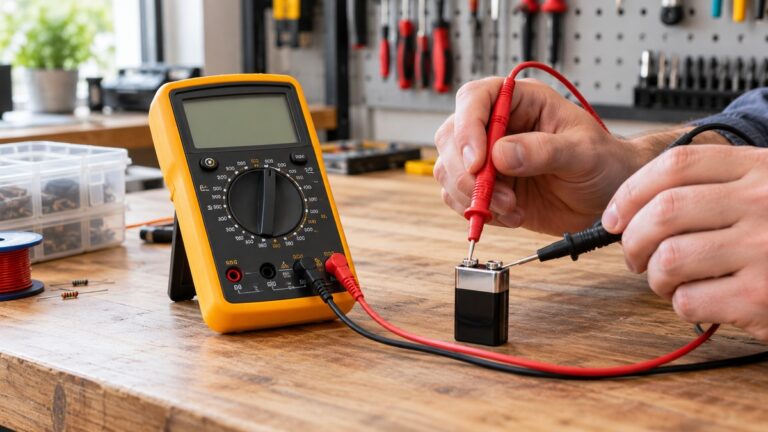
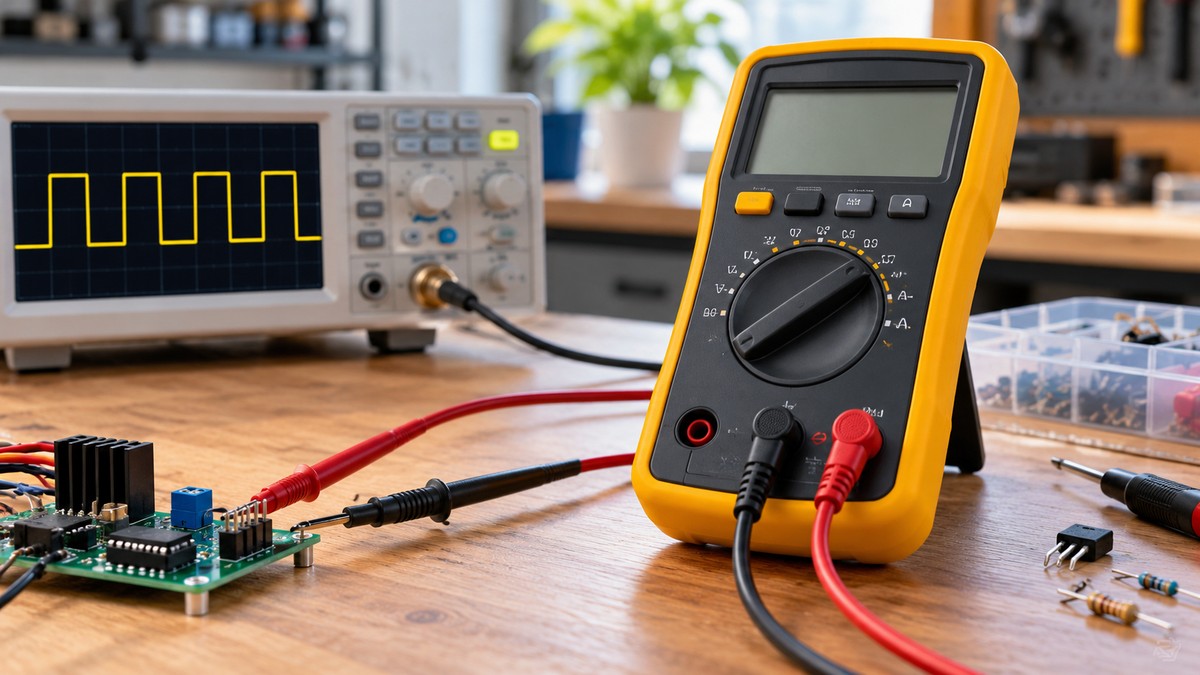
This guide explains how to measure duty cycle with a multimeter on a low-voltage DC signal. Duty cycle is the share of each cycle that a signal spends above or below a fixed trigger level, shown as a percentage. On the Klein Tools manuals we opened, frequency and duty cycle share one dial position, and the SEL or SELECT button switches the display to percent. The Fluke guide we opened describes a different starting point, a DC V dial with a Hz button, and says the steps vary by meter. Read your own model’s manual before you start.
Electrical safety comes first
Work on mains circuits can kill. Before you measure anything, check that the meter’s CAT rating suits the circuit you are testing, and read the rating from the listing or the manufacturer’s manual. Panel and service work belongs to a licensed electrician.
This guide covers low-voltage bench work only. It gives no steps for live outlets, electrical panels, service wiring, or measurements inside powered equipment.
The Klein MM400 manual says: “Use caution when working with voltages above 25V AC RMS or 60V DC.” It adds that such voltages “pose a shock hazard.” The Klein MM1000 manual uses the same thresholds and states that failure to observe its warnings “can result in severe injury or death.” The MM400 manual lists a safety rating of CAT III 600V. The MM1000 manual lists CAT III 1000V and CAT IV 600V.
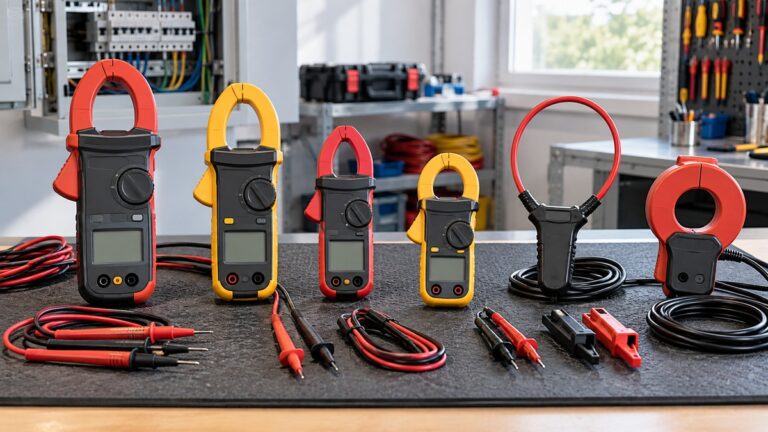
The Fluke article on clamp meters says a CAT rating shows that the meter’s input circuitry is designed to withstand voltage transients in one of three electrical environments. It also tells readers to “Make certain your test tool category rating matches how you are using it,” and says test probes should carry an equal or greater CAT rating than the meter.
If a listing or manual gives no CAT rating for a meter, write that the listing does not state a CAT rating, and do not assume one. Never treat a meter as safe for household mains.
The University of Surrey electrical safety policy we opened says electricity that is not managed correctly is a serious hazard that “can cause injury or death.” The same policy says fixed wiring “must only be worked on by qualified electricians and engineers.” The policy is written for a university, but its rule fits the advice here. The licensed-electrician advice above is our own recommendation, not a figure from a source.
Quick answer
- Choose a meter whose manual lists frequency or duty cycle. The Klein MM400, MM1000 and CL1000 manuals we opened all list it.
- Set the dial to the frequency and duty-cycle position, then bring up the % symbol with the button your manual names.
- Connect the leads across the low-voltage signal, and read the percentage together with its positive or negative sign.
- Check the stated frequency sensitivity for your model before you rely on a low-level reading.
What you need before you start
Use a meter whose manual lists a frequency or duty-cycle function. The table gives the figures that the manuals we opened state. “Not stated” means the text we could read does not give that figure.
| Meter (manual we opened) | Stated frequency range | Duty-cycle range | Stated frequency sensitivity | How the manual reaches the % display |
|---|---|---|---|---|
| Klein MM400 | 9.999 Hz to 50.00 kHz | 0.1% to 99.9% | >8 V RMS | Dial to Frequency/Duty-Cycle setting, then press SEL once |
| Klein MM1000 | 9.999 Hz to 999.9 kHz | 0.1% to 99.9% | 0.7 V RMS | Dial to Frequency (Hz) / Duty cycle, then SELECT switches between Hz and % |
| Klein CL1000 (clamp meter) | 9.999 Hz to 999.9 kHz | 0.1% to 99.9% | Not stated for duty cycle | Dial labelled Frequency (Hz) / Duty Cycle; the button is not named in the text we could read |
The sensitivity figures differ by a wide margin between models. The manuals we opened do not say what a reading looks like below each figure, so check your own model’s figure before you measure a low-level signal.
If you are still choosing a meter with this function, see our guide to auto-ranging digital multimeters or hand-held digital multimeters.
- Signal limits: the MM400 manual lists conditions for duty-cycle readings. The pulse width should be above 100 µs and below 100 ms, and the frequency should fall between 5 Hz and 10 kHz.
- Button names: the Fluke guide says the button used to toggle measurements varies by digital multimeter, so the model manual decides which button to press.
- Frequency first: on the MM400 the meter starts in frequency mode, so the first number you see in this setting is in Hz.
How to measure duty cycle, step by step
Duty cycle matters where a load is switched on and off many times per second. The Fluke guide says this is done to control things such as lamp brightness, heating element output, or the magnetic strength of a coil. The steps below cover only a low-voltage DC signal that you measure on the bench. The guide does not give a procedure for measuring such loads in circuit, and neither do the other sources we opened.
Step 1: Set the dial
On the Klein MM400, MM1000 and CL1000, the dial position is labelled for frequency and duty cycle. The MM400 manual says to rotate the function selector to the Frequency/Duty-Cycle setting. The Fluke guide describes a different starting point, with the dial usually turned to DC V and the Hz button pressed. The guide says the steps “can vary by meter.”
Step 2: Show the percent symbol
The MM400 manual says the meter defaults to frequency in this mode. Press SEL once to enter duty-cycle testing, and make sure the Hz or % icon shows on the display. The Fluke guide says the meter is ready for duty cycle when a percent sign appears on the right side of the display. On the MM1000, the SELECT button switches between Hz and %. Frequency comes before percent in this setting, so note the Hz value first. The MM400 table lists a frequency range from 9.999 Hz to 50.00 kHz, and the MM1000 table lists 9.999 Hz to 999.9 kHz. A signal outside a stated range is outside that manual’s specification.
Step 3: Insert the leads
The Fluke guide says to insert the black test lead into the COM jack, then the red lead into the VΩ jack. When you finish, remove them in reverse order: red first, then black. The MM400 manual uses the same pair of jacks, with the red lead in V and the black lead in COM.
Step 4: Connect the leads to the signal
The Fluke guide says to connect the test leads to the circuit being tested. The MM400 manual says to measure by connecting the test leads across the circuit. Keep the work to the low-voltage bench setting the safety section describes, and keep the signal within the conditions listed above.
Step 5: Read the percentage and its sign
The display shows the percentage. The Fluke guide says a positive symbol (+) marks a positive-time percent reading, and a negative symbol (-) marks a negative-time percent reading. The MM1000 symbol key includes a Duty cycle Mode indicator on the LCD.
Step 6: Switch polarity if your meter has it
The Fluke guide says to press the beeper button to switch between positive-time and negative-time percent. It warns that the button varies by digital multimeter. Most multimeters default to the positive trigger slope, and the guide says the negative slope is usually selected with an additional button.
Reading the result
The Fluke guide says the display shows the percent of time above the trigger level when the positive slope is selected, and the percent below it when the negative slope is selected. The guide describes the trigger level as fixed. It includes a graphic of a trigger level set at 70/30 on one cycle, and it notes that the slope selected is shown by a positive (+) or negative (-) symbol in the display.
The guide also says a positive reading typically indicates ON time and a negative reading typically indicates OFF time. On occasion, it adds, a negative portion of the signal can create an ON signal, so the sign alone does not settle what state the signal is in.
Accuracy depends on the model. The MM400 manual lists 0.1% resolution and an accuracy of ±(1.2% + 2 digits). The MM1000 manual lists 0.1% resolution and an accuracy of ±(0.2% per kHz + 0.1% + 5 digits). Our own arithmetic on the MM1000 figure, not a manual number: at 5 kHz the first term is 1.0%, so the total is 1.1% of reading plus five digits.
The sources we opened do not say what duty cycle a given circuit should show. This guide does not call any reading normal or abnormal.
Common mistakes
- Reading the frequency as the duty cycle. The MM400 manual says the meter starts in frequency mode, so press SEL once and check for the % icon.
- Assuming one button works on every meter. The Fluke guide says the button varies by digital multimeter.
- Skipping the sign. A negative reading means negative-time percent, according to the Fluke guide.
- Measuring outside the stated conditions. The MM400 manual lists pulse width and frequency conditions for duty-cycle readings.
- Ignoring the input level. The stated frequency sensitivity differs by model, from >8 V RMS on the MM400 to 0.7 V RMS on the MM1000.
- Using probes rated below the meter. The Fluke CAT article says test probes should have an equal or greater CAT rating.
Frequently asked questions
Which dial position do I use to measure duty cycle?
On the Klein manuals we opened, the dial position is labelled Frequency (Hz) / Duty cycle, and the MM400 manual calls it the Frequency/Duty-Cycle setting. The Fluke guide describes a DC V dial with the Hz button instead, and warns that steps vary by meter.
Why does my meter show Hz instead of %?
The MM400 manual says the meter starts in frequency mode in this setting. Press SEL once, then check that the % icon is on the display.
What does a minus sign mean?
In the Fluke guide, the negative symbol marks a negative-time percent reading. Read the sign against the signal you are measuring, because the guide warns that a negative part of the signal can sometimes count as ON.
Is dwell the same as duty cycle?
The Fluke guide calls dwell an alternate way to measure duty cycle, reported in degrees rather than percent. The sources we opened do not explain how to convert between the two.
Do all digital multimeters have a duty-cycle function?
Every meter in the table includes the function. The sources we opened do not include a basic meter manual that leaves it out, so this guide cannot name a model that lacks it. Check the function list in your model’s manual. For plain DC voltage without the duty-cycle setting, see our guide to DC voltmeters.
Can I measure a PWM motor drive or a switching power supply in circuit?
The sources we opened do not describe that measurement for a meter, so this guide does not cover it and gives no steps for powered equipment.
How we chose
Each step relies on the manufacturer’s own wording wherever possible, because the dial position and the button differ by model, and a general article cannot replace a model manual. The Klein manuals and the Fluke guide give the steps and the figures in this draft. The Fluke CAT article and the University of Surrey policy support the safety section. Each quoted sentence was checked against the text of the page it came from, and any sentence that failed the check was rewritten as a paraphrase. Pages that failed to load, returned 403 or 404, or served a script challenge instead of the article were left out. Retailer listings are not used for any procedure or safety claim.
What we could not verify
The sources we opened do not name the button that starts duty-cycle mode on the Klein CL1000 clamp meter, because the text we could read does not name it. The Fluke guide is a general article, not a model manual, so its dial and button steps are a general pattern. The sources we opened do not include a basic meter manual that omits the function. The Extech manual pages available online could not be read, so this guide gives no Extech steps. The sources we opened do not state a minimum input level below which a reading becomes unreliable. They also do not describe measuring a PWM motor drive or a switching power supply in circuit with a meter.
Sources
- Fluke, How to Measure Duty Cycle with a Digital Multimeter: https://www.fluke.com/en-us/learn/blog/digital-multimeters/how-to-measure-duty-cycle (opened 2026-10-22)
- Klein Tools MM400 Instruction Manual, copy hosted by UBC EOAS: https://www.eoas.ubc.ca/courses/atsc303/Instruments/manuals/0_Klein-Tools-MultiMeter-MM400-UsersManual.pdf (opened 2026-10-22)
- Klein Tools MM1000 Instruction Manual: https://images10.newegg.com/UploadFilesForNewegg/itemintelligence/KLEINTOOL/MM1000_Manual_English1402284608817.pdf (opened 2026-10-22)
- Klein Tools CL1000 Instruction Manual: https://images10.newegg.com/UploadFilesForNewegg/itemintelligence/Columbia/CL1000_Manual_English1447847958093.pdf (opened 2026-10-22)
- Fluke, Why ruggedness matters in a clamp meter: https://www.fluke.com/en-us/learn/blog/clamps/why-ruggedness-matters (opened 2026-10-22)
- University of Surrey, Electrical Safety Policy (October 2018): https://www.surrey.ac.uk/sites/default/files/electrical-safety-policy.pdf (opened 2026-10-22)