Klein CL800 Clamp Meter: Ratings, Functions and Limits
As an Amazon Associate we earn from qualifying purchases.
The cl800 klein tools search usually comes down to one question: what can this clamp meter measure, and at what safety rating? The Klein CL800 family is a 600 A digital clamp meter with auto-ranging and true RMS readings. This explainer uses the Klein CL800A instruction manual, opened on 2026-10-27, to set out its functions, category ratings, clamp and lead steps, and limits. The manual says that work on mains circuits can kill, and that the meter’s category rating must suit the circuit you test. Panel or service work belongs to a licensed electrician. The manual covers the CL800A, so check the model label on your own meter before you rely on any figure below.
Quick answer
- The manual describes an auto-ranging true RMS clamp meter that reads AC and DC current through the clamp, and AC and DC voltage, resistance, continuity, frequency, capacitance and diodes through test leads.
- The manual states a safety rating of CAT IV 600V and CAT III 1000V, double insulation, Class 2.
- For current, clamp around one conductor with the test leads disconnected. For voltage and continuity, use the test leads and follow the category shield rules.
- The manual says never to measure resistance or continuity on a live circuit.
What the CL800A is
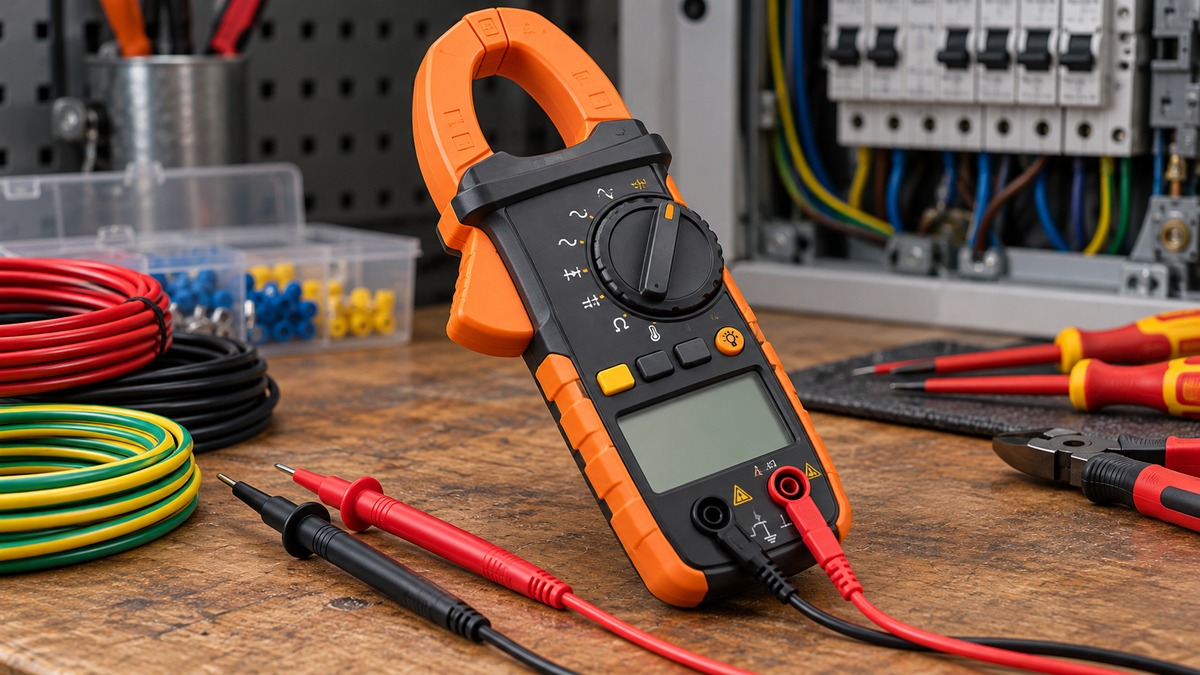
The manual’s general description calls the meter an automatically ranging true root mean square digital clamp meter. Its display is a 6000 count LCD. Beyond current and voltage, the manual lists a low impedance mode, which it describes as a way to identify and eliminate ghost or stray voltages. It also lists a non-contact voltage button, data hold, a MAX and MIN value hold, an audible continuity function, a diode test, and a temperature reading through a thermocouple probe. The meter powers off automatically after 30 minutes of inactivity, and you can turn that feature off by holding the SEL button before power-on.
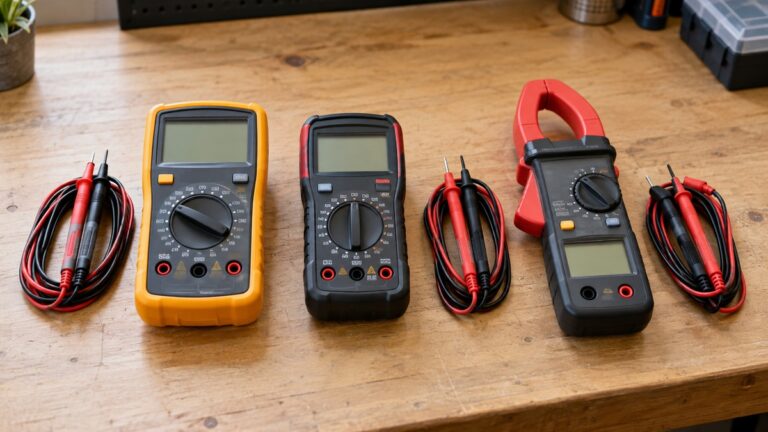
The front panel carries the labels you will see most often. The function selector sets the measurement. The SEL button switches between AC and DC for current, voltage and low impedance, and between the secondary functions for other settings. The default function for each setting is printed in white on the meter, and the secondary function is printed in orange. The clamp jaw is the part you close around a conductor. The V and COM jacks take the test leads.
Category ratings and what they mean
The manual states a safety rating of CAT IV 600V and CAT III 1000V. It defines the two categories in plain terms. Measurement category III applies to circuits connected to the distribution part of a building’s low-voltage mains installation. Category IV applies to circuits connected at the source of that installation.
As a simplification, a higher category describes a location closer to the source of the supply, where a fault can deliver more energy. The category does not describe how well the meter is made. It describes where the meter is safe to use. The manual gives two rules that follow from this. First, never use the meter on a circuit whose voltage exceeds the category-based rating. Second, use only test leads rated CAT IV with this meter.
The manual also says the meter must not be used during electrical storms or in wet weather, and that you should not use it if the meter or its leads look damaged. It requires you to verify the meter on a known voltage or current before each use. That check tells you whether the meter responds as expected before you rely on a reading.
Clamp current steps
The manual’s current procedure is short. Follow these steps in order.
- Rotate the function selector to the AC/DC current setting. The meter defaults to AC, and the AC or DC icon on the display shows the mode.
- Press the clamp trigger to open the jaw, and place it around one current-carrying wire. The manual asks you to make sure the clamp is completely closed with the trigger fully released, and that the wire passes through the centre of the clamp, in line with the arrow markings.
- For DC current, align the polarity markings on the clamp with the direction of the current. Otherwise the reading can show as negative.
- If the display shows a non-zero value before a DC measurement, press and hold SEL to run the DC current zero function. The meter then subtracts the offset from later DC readings.
- Disconnect the test leads before measuring with the clamp. The manual says to do this.
The clamp section of the manual is headed AC/DC current, less than 600A. The meter auto-ranges to show the most suitable range. The current range of the clamp is the reason the meter is sold as a 600 A instrument, and the manual’s general specifications give that figure.
Voltage and continuity steps
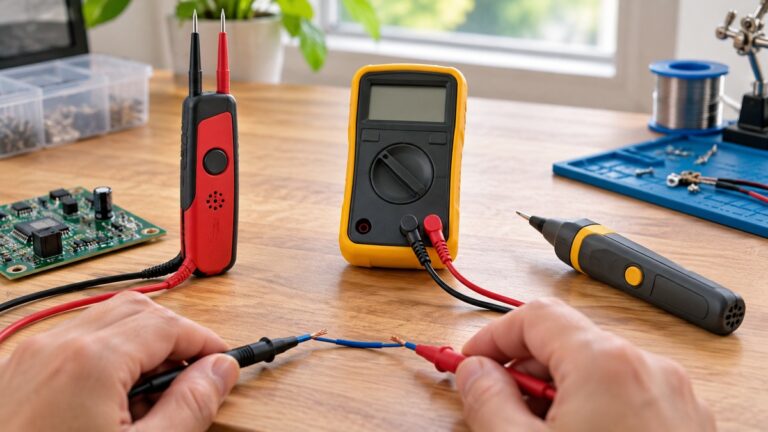
For voltage, the manual starts by inserting the red lead into the V jack and the black lead into the COM jack, then selecting the voltage function. The manual’s electrical specifications table lists a maximum input of 1000V AC RMS or 1000V DC for the voltage function. It also lists maximum inputs of 600V for other measurement types in the same table. Use the lower figure for any setting you cannot identify on the table.
For continuity, the steps are different. Insert the red lead into V and the black lead into COM, then rotate the selector to the Continuity, Resistance and Diode-Test setting. The meter defaults to continuity in this mode, so check that the continuity icon is visible, and press SEL until it appears if it is not. Remove power from the circuit. Then touch the leads to the conductor or circuit. The manual says an audible signal sounds when the measured resistance is below 50 ohms, and the display shows a resistance value. If the circuit is open, the display shows OL. The manual also warns that you must not attempt to measure continuity on a live circuit.
Diode testing uses the same selector position. The manual describes forward bias readings on the display and an OL reading for reverse bias, and an open circuit also shows OL.
Non-contact voltage testing
The manual describes a separate non-contact voltage button. Press it to test for AC voltage using the built-in non-contact sensor. Approach the conductor under test with the sensing antenna leading. The meter gives visual warning signals when AC voltage is detected. A non-contact check is a quick screen, not a measurement. The manual does not offer a reading from this function, so use the meter’s voltage function on the leads when you need a value.
Test lead shields and category locations
The manual sets out a shield rule that depends on where you test. In CAT III and CAT IV locations, make sure the test lead shield is pressed firmly in place. The manual warns that failing to use the shield increases arc-flash risk. In CAT II locations, the shields may be removed. The manual gives standard wall outlets as an example of a CAT II location where recessed conductors can be reached without the shield. Take care not to lose the shields when you remove them.
The rule is simple to state and easy to get wrong. The shield removal applies to CAT II locations only. The category of the location decides the rule, not the meter’s rating. If you are not certain which category applies to the point you are testing, stop and ask a licensed electrician.
Safety and before-use checks
The manual’s warning list is long, and the points below are the ones that matter most for a first-time user.
- Verify the meter on a known voltage or current before each use.
- Keep fingers away from the metal probe contacts when making measurements, and make sure the leads are fully seated in their jacks.
- Take care with voltages above 25 V AC RMS or 60 V DC. The manual calls these a shock hazard.
- Replace the batteries when the low battery indicator appears. The manual says inaccurate readings can lead to electric shock.
- Disconnect the leads from any voltage source before you open the battery door, and do not open the battery door while the probes are connected.
- Do not use the meter during electrical storms or in wet weather.
The battery section of the manual says the meter takes two AAA batteries. Replace them with the battery door closed and the screw fastened, and do not operate the meter with the door removed.
Physical and environmental limits
The manual’s general specifications give the following limits. Operating altitude is up to 2000 m. Relative humidity is below 80 percent, non-condensing. The operating temperature range is 0 to 40 degrees Celsius, and the storage range is minus 10 to 60 degrees Celsius. Accuracy is stated at 18 to 28 degrees Celsius, and the manual gives a temperature coefficient for readings outside that range. The meter measures 231 by 97 by 39 mm and weighs 354 g including batteries. The manual gives a drop protection of 2 m and an IP40 rating. The calibration interval is one year. The manual lists conformance with UL standards 61010-1, 61010-2-032 and 61010-2-033.
These limits are the manufacturer’s figures. They are not a guarantee of performance outside the stated conditions, and the manual says corrections are needed when the working temperature is outside the accuracy range.
Mistakes to avoid
- Leaving the test leads connected while you take a clamp current reading. The manual says to disconnect them.
- Measuring resistance or continuity on a live circuit. The manual forbids it.
- Using a meter with a low battery indicator. The manual says to replace the batteries first.
- Removing the test lead shield in a CAT III or CAT IV location. The manual ties the shield to arc-flash risk.
- Assuming that a CL800 without the A suffix has the same specifications as the CL800A manual. Check the model label first.
How we chose the scope
This explainer draws on one source: the Klein Tools CL800A instruction manual, opened on 2026-10-27. It covers the meter’s functions, ratings and procedures as the manufacturer states them. It does not compare the CL800 with other clamp meters, and it does not rank models. Where the manual is silent, the explainer says so. Retail listings are not used as sources for any technical figure.
What we could not verify
- The CL800A manual is the only manufacturer document opened for this explainer. We did not open a manual for a CL800 model without the A suffix, so any difference between the two models is not covered here.
- The manual’s excerpt of the electrical specifications table does not give a full set of capacitance ranges in the text we read. We do not state capacitance figures.
- The manual does not give step-by-step instructions for every test in the table, and the voltage procedure is shown only in part in the copy we read.
- The manual does not state a price, a warranty period, or a list of accessories. Those points are outside this explainer.
Related reading
For the basics of how a clamp meter reads current without breaking the circuit, see how clamp meters work. For a wider view of clamp models and what each one covers, see the clamp meter guide. If you are deciding between a clamp meter and a standard multimeter for a particular job, see clamp meter versus multimeter.
FAQ
Can a CL800 measure DC current?
The CL800A manual lists AC and DC current through the clamp. For DC, align the polarity markings on the clamp with the direction of the current, and use the DC zero function if the display shows a non-zero value before the measurement.
Do I need to connect the test leads to measure current with the clamp?
No. The manual says to disconnect the test leads when you measure with the clamp.
What is the low impedance mode?
The manual describes low impedance mode as a way to identify and eliminate ghost or stray voltages. Use the manual’s own instructions for the mode before you rely on a reading from it.
Is the CL800 rated for household outlets?
The manual states CAT IV 600V and CAT III 1000V. The category of the location decides which rule applies, and the manual allows shield removal only in CAT II locations, such as standard wall outlets. If you are unsure of the category at a point, ask a licensed electrician.
What should I do when the low battery indicator appears?
Replace the two AAA batteries before you use the meter. The manual says to disconnect the leads from any voltage source before opening the battery door.
Does the meter measure temperature?
The manual’s general description lists temperature measurement through a thermocouple probe. Check the probe supplied with your meter and the manual’s temperature section before you use it.
Bottom line
Check the category rating against the circuit before anything else. Then choose the function, follow the manual’s procedure for that function, and disconnect the leads when the clamp is in use.
Sources
- Klein Tools, CL800A Instruction Manual (English), data.kleintools.com, https://data.kleintools.com/sites/all/product_assets/documents/instructions/klein/CL800A_Instructions.pdf (opened 2026-10-27).