How to Test a Dryer Heating Element With a Multimeter
As an Amazon Associate we earn from qualifying purchases.
The person typing how to test a dryer heating element with a multimeter wants to know whether the heating element is the reason a dryer runs but does not heat, and whether it is worth buying a new one. You can check most electric dryer elements with a multimeter set to continuity or ohms, as long as the dryer is unplugged and you isolate the element from the wiring first. This guide walks through that check, explains what the meter reading means, and states what the sources we opened do not tell you, such as the exact resistance your model should show.
Quick answer
- Unplug the dryer from the wall outlet before you touch any wire. Do not test a powered element.
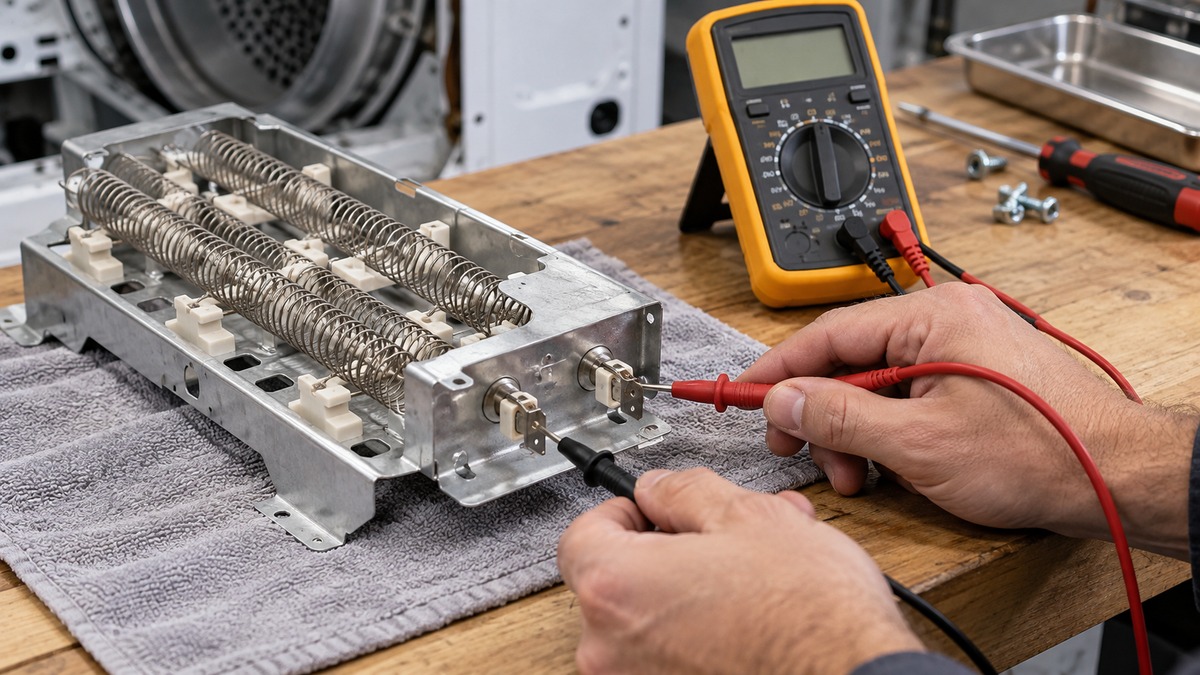
- Disconnect the element’s wires, then set the meter to continuity or ohms and touch the probes across the element terminals.
- A beep means a complete path exists. An OL or no-beep reading means the path is open, which points to a broken element or a broken safety device in series with it.
- Check the thermal fuse and high-limit thermostat too, because either one can cut power to a good element.
Before you start: safety comes first
The wiring inside a dryer is connected to household power. The U.S. Consumer Product Safety Commission has recalled gas dryers over a short circuit in the wiring that could shock people, and its recall remedy told owners to stop using the appliance, unplug it, and call for an inspection. The same rule applies before any multimeter check: remove the plug from the outlet, and do not rely on the dryer’s switches to cut power.
Keep in mind what the meter is for. Fluke’s guide to continuity testing says the process should be done with the circuit de-energized: “With the circuit de-energized, connect the test leads across the component being tested.” Continuity and resistance modes are for dead circuits. Putting a meter in those modes on a live circuit can damage the meter and gives you no useful reading.
If your dryer is wired to a 240-volt circuit, work on the terminal block and the wiring behind the cabinet only after the plug is out. Anything that involves the breaker panel, the outlet wiring, or a gas line belongs to a licensed electrician or a qualified appliance technician.
What the meter is measuring
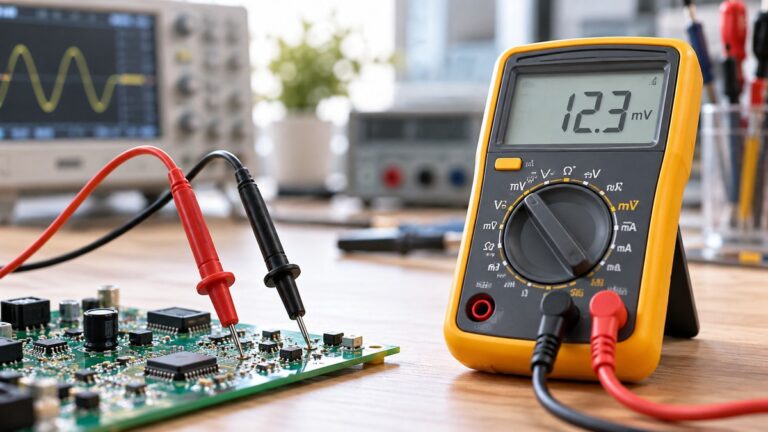
Continuity is the basic idea behind this test. Fluke defines it as “the presence of a complete path for current flow.” When you touch the probes to two ends of a good heating element, the meter sends a small current through the element and reports a low resistance. The meter beeps when it sees that complete path. If the element’s coil has broken, the path is open, and the meter shows OL or stays silent.
Fluke also explains that a continuity test “sends a small current through the circuit to measure resistance.” That means the meter is measuring the element itself, not the power supply. This is why the element must be disconnected from the wiring before you test it. If the dryer’s control circuit or another part of the loop is still connected, the reading can show a path that goes around the element rather than through it.
Step-by-step: test the heating element
Step 1: Unplug the dryer and move it out
Pull the plug, then pull the dryer far enough from the wall to reach the back panel. Check that the drum is not spinning and that the door is closed. Do not start the dryer to see whether it heats; that is the question this test answers without power.
Step 2: Open the access panel
The heating element sits inside the dryer, and its location depends on the brand and model. The access route differs by brand and model, so use the service manual or the wiring diagram for your model number. If you do not have one, the manual for your exact model is the reliable source for where the element and its safety devices sit.
Step 3: Label and disconnect the element wires
Before you remove any wire, take a photo or note which terminal each wire came from. Heating elements often have two or more terminals, and the wires may be crimped onto spade connectors. Remove the wires one at a time, and keep the terminal order the same for reassembly. Once the wires are off, the element is isolated and the reading will reflect only the element.
Step 4: Set the meter
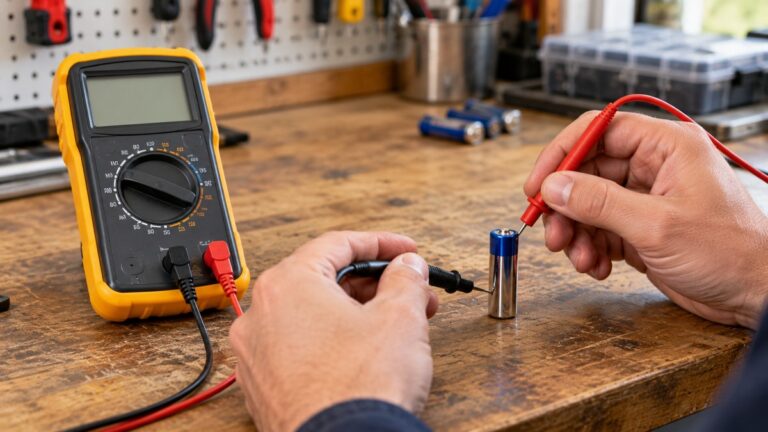
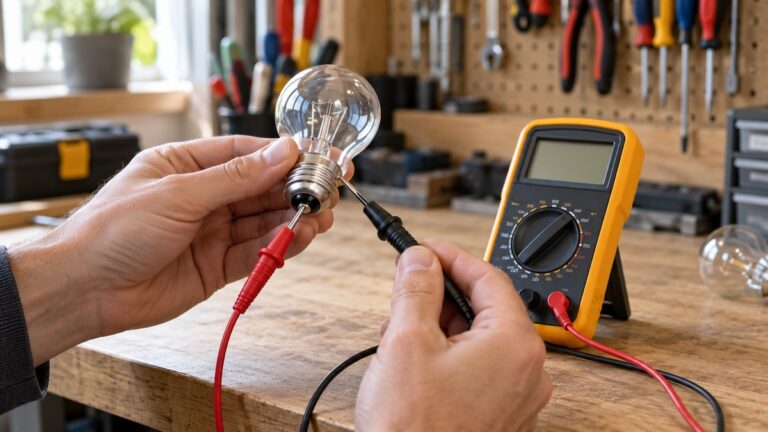
Plug the black lead into COM and the red lead into the VΩ jack. Turn the dial to continuity or to the lowest ohms range. Fluke notes that many meters combine continuity with the resistance (Ω) function, and some models need a button press to turn on the beeper. Check the meter’s display for the continuity icon before you start.
Step 5: Touch the probes across the element
Touch one probe to each element terminal and hold them steady for a second. Read the result. A beep, or a low reading on the display, means the element has a complete path. An OL reading or silence means the path is open.
Step 6: Check the safety devices
The element is only part of the heating circuit. Many dryers have thermal safety devices in that circuit, and the sources we opened do not say which ones your model uses, so read the wiring diagram in the manual. Test each device with its wires disconnected, and note whether it reads a complete path. Identify any device that reads open before you change anything, because the sources we opened do not explain why a given device opens.
Step 7: Put everything back
Reconnect the wires to the same terminals, replace the access panel, and seat the plug before you run the dryer.
Reading the result
- Beep or low reading on the element: The element has a complete path. Look at the thermal fuse, the thermostat, the heater wiring, the timer, or the control board before you buy an element.
- OL or no beep on the element: The element path is open. The element may be broken, but also check the terminal connections and the wires for a loose or burned connection.
- Beep on one device and no beep on another: Identify which device is open. A safety device that reads open should not be bypassed.
Why the reading alone does not give a pass or fail
A continuity beep tells you there is a path. It does not tell you the element produces the right heat. A broken element is usually open, but a weakened element or a loose terminal can read differently. If the dryer runs, does not heat, and the element and its safety devices read as complete paths, the fault may be in the control circuit, the timer, the thermostat wiring, or the power supply, which needs a technician.
The resistance value that counts as normal depends on the model and the element rating. The sources we opened do not give a resistance figure for any specific dryer model, so do not treat a number from a forum or a parts page as a pass mark. Use the service data for your model.
Mistakes to avoid
- Testing with the plug in. Continuity and resistance modes are for dead circuits, and a powered test can damage the meter.
- Testing with the wires still attached. Other parts of the circuit can create a false path around the element.
- Replacing the element without checking the thermostat and thermal fuse. A good element can look bad when a safety device is open.
- Bypassing a thermal device. Wiring around a safety device removes the protection it was installed to provide.
When to call a technician
Call a licensed appliance technician if the element and safety devices read correctly but the dryer still does not heat, if you find scorched wiring or terminals, or if you are not sure how to reach the element safely. Any work on the building wiring, the outlet, or the breaker belongs to a licensed electrician.
How we chose
This guide relies on three sources we opened on 2026-10-27: two Fluke pages on continuity testing and a 2008 CPSC recall notice about a shock hazard in gas dryer wiring. We chose the Fluke pages because they explain the meter function in plain terms, and the CPSC notice because it is an official source on dryer electrical hazards. We did not use retail parts pages, forums, or video transcripts for technical claims.
What we could not verify
- The resistance value for any specific dryer heating element. The sources we opened do not state one.
- The access route, terminal layout, and safety device location for any brand or model.
- Whether a given element failure is the cause of a dryer that does not heat, without checking the rest of the circuit.
- Current CPSC guidance on servicing dryers. The most recent dryer recall we opened is from 2008.
FAQ
Can I test a dryer heating element while it is plugged in?
No. Unplug the dryer first. Fluke’s continuity guidance calls for a de-energized circuit, and a multimeter in continuity or ohms mode should not be connected to a live circuit.
What does a beep mean when I test the element?
A beep means the meter detected a complete path through the element. Fluke describes continuity as the presence of a complete path for current flow.
What does OL mean on the meter?
OL usually means the reading is over the meter’s range, which on an open circuit means there is no complete path. An open heating element will show OL or no beep.
Should I check the thermal fuse too?
Yes. A thermal fuse or high-limit thermostat can cut power to the element even when the element is good, so test those devices as well.
Is a gas dryer tested the same way?
No. Gas dryers use a burner and igniter rather than a resistance heating element. The continuity method here applies to electric element dryers. Check your model’s service manual for gas dryer parts.
Is this a job I can do myself?
Testing the element with the dryer unplugged is a reasonable step for a careful owner using the model manual. Work on the building wiring, the outlet, or the breaker goes to a licensed electrician.
Bottom line
Unplug the dryer, isolate the element, and read it in continuity mode. A beep means the element has a path. An open reading means the element or a safety device in series with it has failed, so check those parts before you buy a new element.
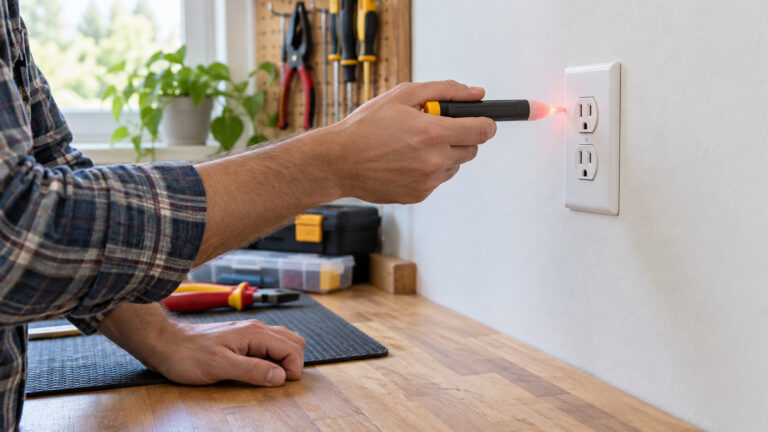
For a broader view of how the meter works, see our guide to voltage testers for home use. If you need to check for live wiring before you open an appliance, our non-contact voltage tester guide covers what those tools can and cannot show.
Sources
- Fluke, “A Guide to Continuity Testing with a Multimeter”: https://www.fluke.com/en-us/learn/blog/digital-multimeters/how-to-test-for-continuity (opened 2026-10-27)
- Fluke, “What is Continuity?”: https://www.fluke.com/en-us/learn/blog/electrical/what-is-continuity (opened 2026-10-27)
- U.S. Consumer Product Safety Commission, “General Electric Recalls Gas Dryers Due to Shock Hazard” (February 11, 2008): https://www.cpsc.gov/Recalls/2008/general-electric-recalls-gas-dryers-due-to-shock-hazard (opened 2026-10-27)