Best Tester for Trailer Lights: Ground and Voltage Checks That Find the Fault
As an Amazon Associate we earn from qualifying purchases. Details
Updated 19 October 2026
Author: Editorial team, bestmultimeter2020.com
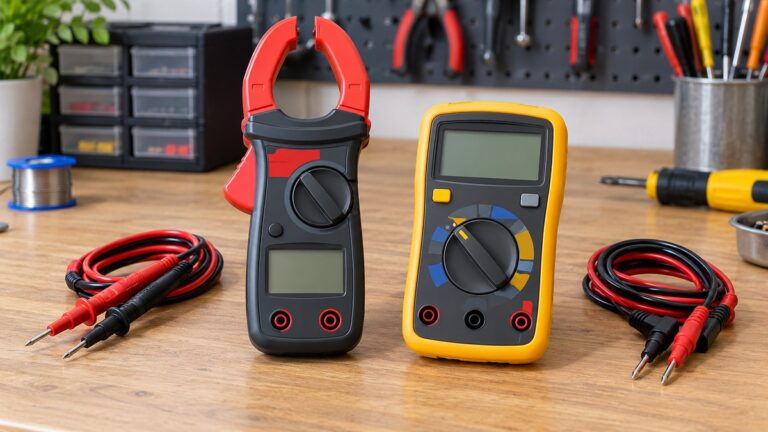
The best tester for trailer lights is a digital multimeter used in a fixed order. Most trailer light faults come down to two things: a poor ground or a missing voltage at one pin of the connector. A multimeter checks both, and it tells you which side of the connection to repair. A simple test light can show that power is present, but a meter gives a number you can compare with the expected voltage. This guide sets out the order, the pin checks, the settings and the readings that point to the truck or the trailer.
Quick answer
- Check the ground first. The DieselHub wiring guide says to check “for continuity between the truck’s ground pin and the chassis”, and that “If the connector has a good ground, this is not the problem.”
- Then read voltage at the light’s pin while a helper operates the light. The guide says the pin “should read 12v+ when the corresponding light is activated from the truck.”
- If the pin reads about 12 V with the switch or pedal engaged, the guide says “the problem is with the trailer, not the truck.”
- Do not rely on wire colors alone. The guide says “they are not universal and actual color/size may vary by manufacturer, trailer type, and model year.”
Why a meter beats guessing
A trailer light circuit has three links: the truck’s connector and wiring, the cable between the truck and the trailer, and the trailer’s own lights, ground and connector. A failure in any link looks the same from the road, which is a light that does not work. A meter separates the links by giving a reading at each point. A test light only shows that current is present, and it does not show whether the voltage is right.
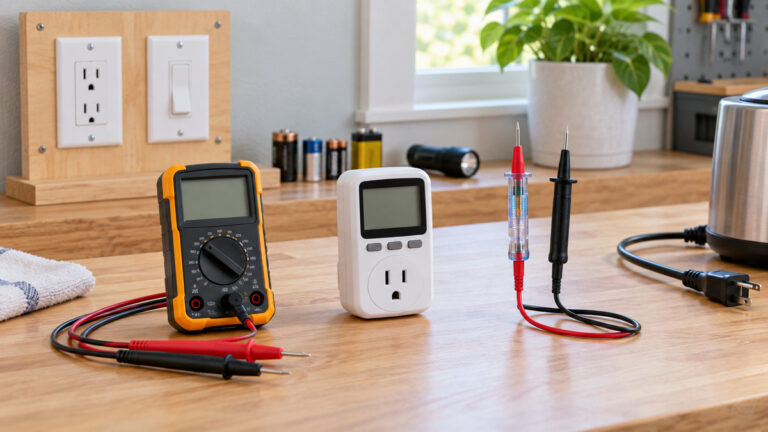
The DieselHub guide describes both tools. It notes that the voltage check can be done “With a digital multimeter set to the proper range to read ~12v+ (or using a test light).” The meter gives the more useful answer, because it shows the level as well as the presence, and a weak ground can let a light glow faintly while still failing in use.
The guide also warns about pinouts. It says “Always verify pinouts using a digital multimeter and follow manufacturer spec when making repairs or modifications.” Verify the pin before you connect a lead, because the same color can mean a different job on another trailer.
The connector types
The DieselHub guide describes three common connectors. Its explanation is that “A 4 pin connector is almost always used on trailers that do not utilize electric trailer brakes nor have any need for accessory power and therefore the trailer only requires power for lights.” Its 6-pin and 7-pin descriptions add pins for electric trailer brakes and auxiliary power.
For a light-only 4-pin trailer, the pins cover the ground, the left turn and brake lights and the right turn and brake lights. The 6-pin and 7-pin layouts add the trailer brake pin and an auxiliary power pin. The same guide adds a warning on the color codes: “Note that although the colors and wire sizes listed herein are common, they are not universal and actual color/size may vary by manufacturer, trailer type, and model year.”
Read the markings on your connector, and check the pin numbers against the trailer’s own instructions, before you assume a color means a function.
Step 1: check the ground
Start with the ground, because a poor ground can mimic almost any light fault. The DieselHub guide says “If no lights are working, check the ground at the truck connector.” The guide’s wording is “Using a digital multimeter, check for continuity between the truck’s ground pin and the chassis”, with the probes on the ground pin of the connector and “a clean spot on the frame/bumper.”
The Fluke resistance guide explains the zero check that makes the continuity result meaningful. It says “Ideally, if test leads touch (are shorted together), the display should show” zero ohms. Touch the two leads together first and confirm the reading is close to zero. Then test the ground pin against a clean bare-metal spot on the frame or bumper. A reading that is not close to zero points to a poor ground or a break in the wire.
If the ground test fails, the guide’s next step is “If the connector has no ground, the ground wire has been cut, disconnected, corroded, etc; find and repair as necessary.” Clean the contact point, check the wire from the connector to the frame, and test again. If the connector has a good ground, the guide says “this is not the problem”, and you move to the voltage check.
Step 2: read voltage while a helper runs each light
The voltage check needs a helper. The DieselHub guide says “Have a helper operate the light(s) that are not working, i.e. have someone depress the brake pedal, activate the turn signal, etc.” Set the meter to DC volts. The Fluke DC voltage guide starts with the dial: “Step 1. Turn Dial to DC Voltage”. Its range note also applies: “Modern DMMs default to Autorange based on the function selected on the dial.” An autoranging meter can handle a 12 V reading without a range change, and a fixed range works too, as long as it covers about 12 V.
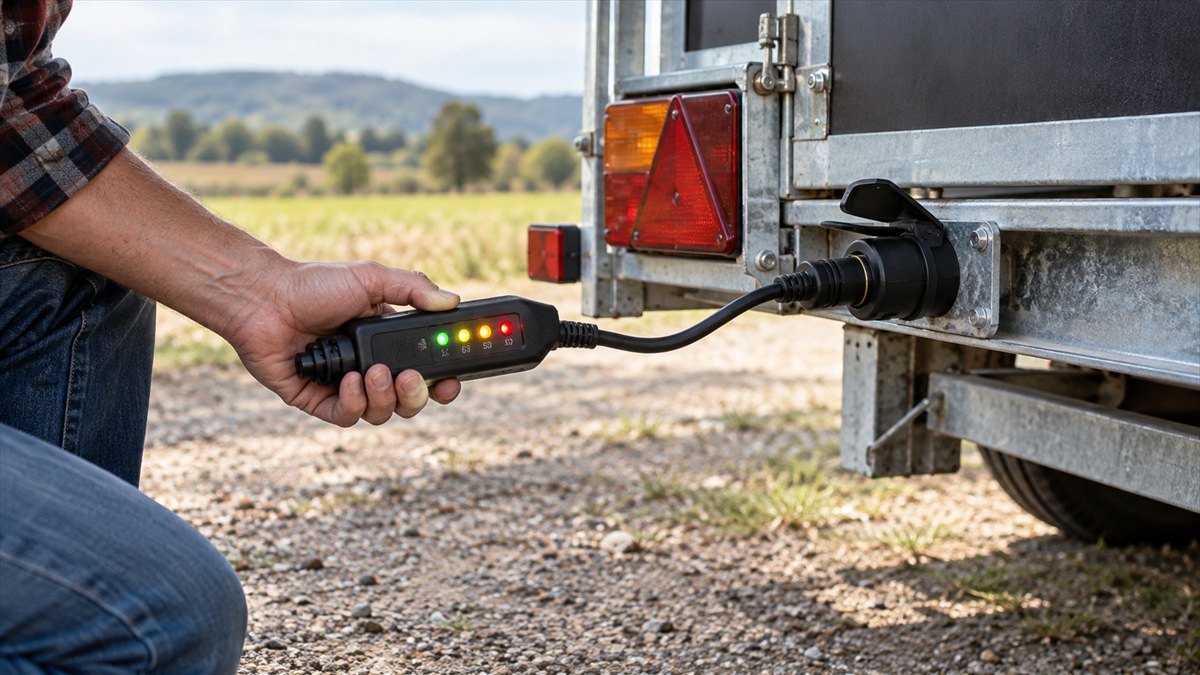
Probe the pin for the light that is not working, with the black lead on a clean ground. The DieselHub guide says “The pin should read 12v+ when the corresponding light is activated from the truck.” Read the value with the light switched on by the helper, not with the meter alone.
The guide then splits the fault in two. If the pin reads about 12 V with the helper operating the switch or pedal, the guide says “the problem is with the trailer, not the truck.” The fault is in the trailer’s own wiring, the trailer’s light, the trailer’s ground or the trailer’s connector. If the pin does not read about 12 V, the fault is on the truck side, so move to the next check.
Step 3: check the truck side
If the pin does not provide power when it should, the guide’s next step is to look at the truck. It says “If the pins are not providing power when they should, check for blown fuses and/or chafed wires along the frame.” It adds “Refer to your owner’s manual for information regarding specific fuse locations.” The truck’s manual is the right place to find the fuse for the trailer connection, because fuse positions differ by make and model.
Chafed wires are the other common cause. Look along the frame for insulation that has rubbed through or a wire that has pulled loose at a clip. Repair the wire, then repeat the voltage check at the pin.
Stop lamps and the brake pin
The stop lamp has its own rule. Federal rules for commercial motor vehicles say the stop lamps “shall be activated upon application of the service brakes” under 49 CFR 393.25(f). The rule applies to commercial vehicles, but the test is the same for a light-only trailer: the stop light should come on when the brake pedal is pressed, and a meter reading at the stop-light pin should show the voltage when the pedal is down.
The DieselHub guide also covers the brake control pin on 6-pin and 7-pin connectors. For a trailer with electric brakes, the guide describes a test that uses a helper and a meter. Those brake checks are separate from the light checks, and the guide’s own wording is the right reference for the brake pin. Do not treat a brake-pin reading as a light reading.
A table for the common results
| Symptom | Meter test | Reading that points to the trailer | Reading that points to the truck or connector |
|---|---|---|---|
| No lights at all | Continuity from ground pin to chassis | Good ground at the truck connector | No continuity, so repair the ground wire |
| One light out | Voltage on that light’s pin with the helper operating it | About 12 V with the switch engaged | No voltage on the pin, so check fuses and wires |
| Stop light does not work | Voltage at the stop pin with the pedal down | About 12 V with the pedal engaged | No voltage with the pedal down |
| Lights work on one side only | Voltage on each side’s pin | Good voltage on the working side only | Missing voltage on the failing side’s pin |
Common mistakes
The first mistake is skipping the ground test. A poor ground can make a light glow dimly or flicker, and a voltage reading alone may look fine while the light still fails in use.
The second mistake is trusting the wire colors. The DieselHub guide says the colors are not universal, so check the connector’s pin numbers and the trailer’s documents.
The third mistake is measuring without a helper. Some lights only show a voltage when the switch or pedal is engaged, so a reading taken with the lights off tells you nothing about the switch.
The fourth mistake is testing with the trailer connected and the truck engine off. The guide’s method assumes the truck supplies the voltage when its switches are on, so the truck and the helper must work together.
How we chose
The pages we chose cover the three checks in this guide: a pinout and testing guide that describes the ground check and the voltage check, a federal rule that sets the stop lamp requirement and a meter maker’s guides for the DC setting and the zero check. We opened each page and checked every quoted line against the page text. The DieselHub page is a commercial reference rather than a manufacturer manual, so we used its statements for the method and not as proof of any one manufacturer’s wiring.
This guide does not name a trailer tester or list products. The pages we opened do not compare testers for trailer lights, and this batch has no product listing data to rank from. The guide sets out the checks and the readings so that any digital multimeter can be used the same way.
What we could not verify
We did not find a manufacturer installation manual for a trailer light kit or a connector in the pages we opened. The wire colors and the pin assignments in this guide come from a general reference, and each trailer can differ.
The pages do not give a voltage drop limit for a trailer circuit. The guide’s 12 V reading is the expected voltage at the pin, not a limit for a loss along the cable.
The pages we opened do not discuss the brake controller in detail, so this guide does not explain how to test the brake controller itself.
The pages do not compare test lights with multimeters for accuracy. We have stated only what the DieselHub guide says about the two tools.
FAQ
Is a test light enough for trailer lights?
A test light shows that power is present. The DieselHub guide describes it as an alternative to a multimeter for the voltage check. A meter gives the voltage level, which helps when a weak ground or a low voltage is the problem.
Which pin is the ground on my connector?
Check the markings on your connector and the trailer’s documents. The DieselHub guide says the colors and sizes are not universal, so do not rely on a color alone.
Why do the lights work on the truck but not on the trailer?
If the pin reads about 12 V with the helper operating the switch or pedal, the guide says the problem is with the trailer, not the truck. Check the trailer’s ground, its light and the wiring between the connector and the light.
Do the stop lights have a federal requirement?
Yes, for commercial motor vehicles. Under 49 CFR 393.25(f), the stop lamps “shall be activated upon application of the service brakes.” A stop light that does not work when the pedal is down is a fault to repair.
What should I do if the ground and voltage checks both look fine?
Re-check the connection at the trailer end, clean the contact points and repeat the test with the helper. If the fault remains, the manufacturer’s manual for the connector or light kit is the next reference.
Bottom line
Check the ground first, then read voltage at the light’s pin while a helper operates it. A reading of about 12 V with the switch engaged puts the fault in the trailer; a missing reading points to the truck-side fuse or wiring.
For related guidance, see the 7-way trailer light tester guide and the 12V tester light guide.
Sources
- DieselHub: Trailer Connector Pinout & Wiring Schematics: the connector types, the ground check, the voltage check with a helper and the fuse and wire checks
- Cornell Law School LII: 49 CFR 393.25 Requirements for lamps other than head lamps: the stop lamp activation rule for commercial motor vehicles
- Fluke: How to Measure Resistance with a Digital Multimeter: the zero check with leads together and the removal of the component before testing
- Fluke: How to Measure DC Voltage with a Digital Multimeter: the DC dial setting and the autorange default