Fieldpiece SC480 Clamp Meter: Uses and Safe Use
As an Amazon Associate we earn from qualifying purchases.
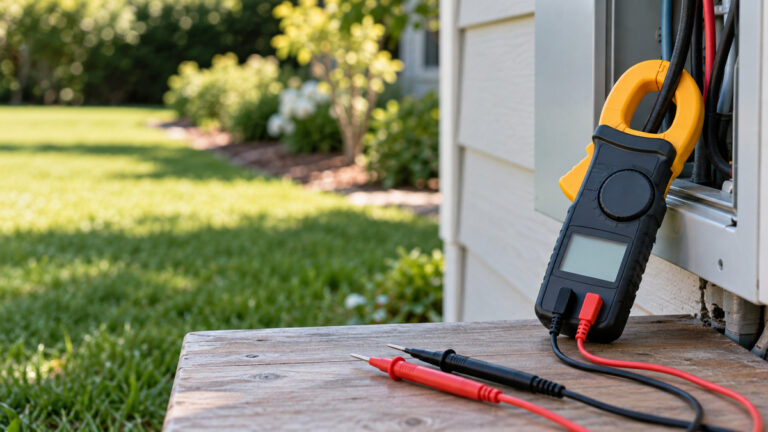
The Fieldpiece SC480 is a True-RMS clamp meter with a 1.2 in (30 mm) jaw, a 10000-count dual display, and a wireless link to Fieldpiece’s Job Link app. Fieldpiece describes it for HVACR work, and its published safety ratings are CAT IV 600 V and CAT III 1000 V. A clamp meter measures current without breaking the circuit, which makes it convenient for running equipment. It also adds hazards of its own, so read the safety section below before clamping onto a live conductor.
Quick answer
- Best fit: measuring AC current on running equipment, checking AC and low-voltage DC voltage, and HVACR diagnostics that use the included thermocouple and leads.
- Published ratings: CAT IV 600 V and CAT III 1000 V, per the product page, the operator’s manual and Fieldpiece’s flyer.
- Current ranges: AC current in 100 A and 600 A ranges, with 0.01 A resolution.
- Power: a single standard 9 V battery, with about 100 hours typical alkaline life when wireless and the backlight are off.
- Key limit: the manual says not to use the meter in CAT III or CAT IV environments without the protective cap on the test probe.
What the SC480 measures
The clamp is the meter’s main feature. The operator’s manual lists AC current in two ranges, 100 A and 600 A, with 0.01 A resolution and a crest factor of 3. The operator’s manual states an overload protection of 600 AAC for the clamp. The jaw opening is 1.2 in (30 mm). The meter also measures frequency through the clamp from 10 Hz to 400 Hz and provides an inrush mode that captures the starting current of a motor over a 100-millisecond period.
The voltage functions use the test leads rather than the clamp. The manual lists AC volt ranges of 1000 mV, 10 V, 100 V and 750 V, and DC volt ranges of 1000 mV, 10 V, 100 V and 1000 V. The manual also describes a low-pass filter that is intended for variable-frequency drive readings. The product page calls out True RMS readings through the clamp or leads, and the operator’s manual states the meter’s ranges and overload protection for each function.
Resistance reaches 50 MΩ, according to the manual’s range list, and capacitance is listed up to 10 mF. Temperature works with the included Type K thermocouple. The operator’s manual lists power measurements, including watts, reactive power, apparent power and power factor. The sources opened for this guide do not describe a DC clamp current range, so check the product features before buying if DC current on a wire is your main need.
The meter’s display is a 10000-count dual display with a blue backlight, according to the product page. A dual display lets you read two values at once, such as current and voltage. The manual describes a simultaneous AC current and AC voltage reading when the clamp and leads are used together.
Safety ratings and what they mean
The SC480 is rated CAT IV 600 V and CAT III 1000 V. The product page, the operator’s manual and Fieldpiece’s flyer each state the pair, so the ratings are consistent across Fieldpiece’s documents. CAT IV is the category for the origin of an installation, such as a service entrance, and CAT III is for fixed wiring inside a building. The rating means the meter is designed for those points, subject to its procedures and its limits.
The manual is specific about one condition. Do not use the meter in CAT III or CAT IV environments without the protective cap on the test probe, because the cap reduces the exposed probe metal to under 4 mm, which lowers the chance of an arc. Keep the cap on for those environments, and check that it is seated before you start.
The manual also gives voltage limits. It says that all voltage ranges withstand up to 1000 VDC or 750 VAC rms, and that you should not apply more than those values. It also warns that voltages above 30 VAC or 60 VDC pose a shock hazard. Those thresholds apply to the leads and the meter as well as to the clamp. A higher rating does not make a point safer, so match the category of the point to the meter’s category before you start.
Safe use before you start
Electrical measurement can cause shock, arc flash and burns. Before you use the clamp, inspect the jaw, the leads and the case. The manual says to check the meter on a known live source before and after measuring, and to replace the leads if the insulation is damaged. It also says to keep fingers behind the finger guards on the leads.
The manual includes two warnings that matter for HVACR work. First, the meter should not be used to verify the presence of hazardous voltage on circuits whose voltage comes from frequencies above 1000 Hz, because the low-pass filter limits voltage readings to frequencies below 1000 Hz. Second, the manual says not to exceed the rated 600 AAC of the clamp, because failure to adhere may cause the clamp to heat.
The NCV function is for detecting a live wire, not for proving that a circuit is dead. The manual says to test the NCV function on a known live wire before you use it, and it gives an AC detection range of 24 VAC to 600 VAC at 50 to 60 Hz. A non-contact test that shows no signal does not confirm a circuit is safe to touch, so always verify with a test that is designed for the purpose.
The battery is a 9 V alkaline cell. The manual says to replace the battery when the battery indicator shows low, and it warns not to operate the meter with the battery and back case removed. Disconnect the leads and switch the meter off before opening the case.
Step-by-step: measuring AC current with the clamp
- Confirm the conductor’s expected current is within the 100 A or 600 A range you select, and that the jaw fits the conductor.
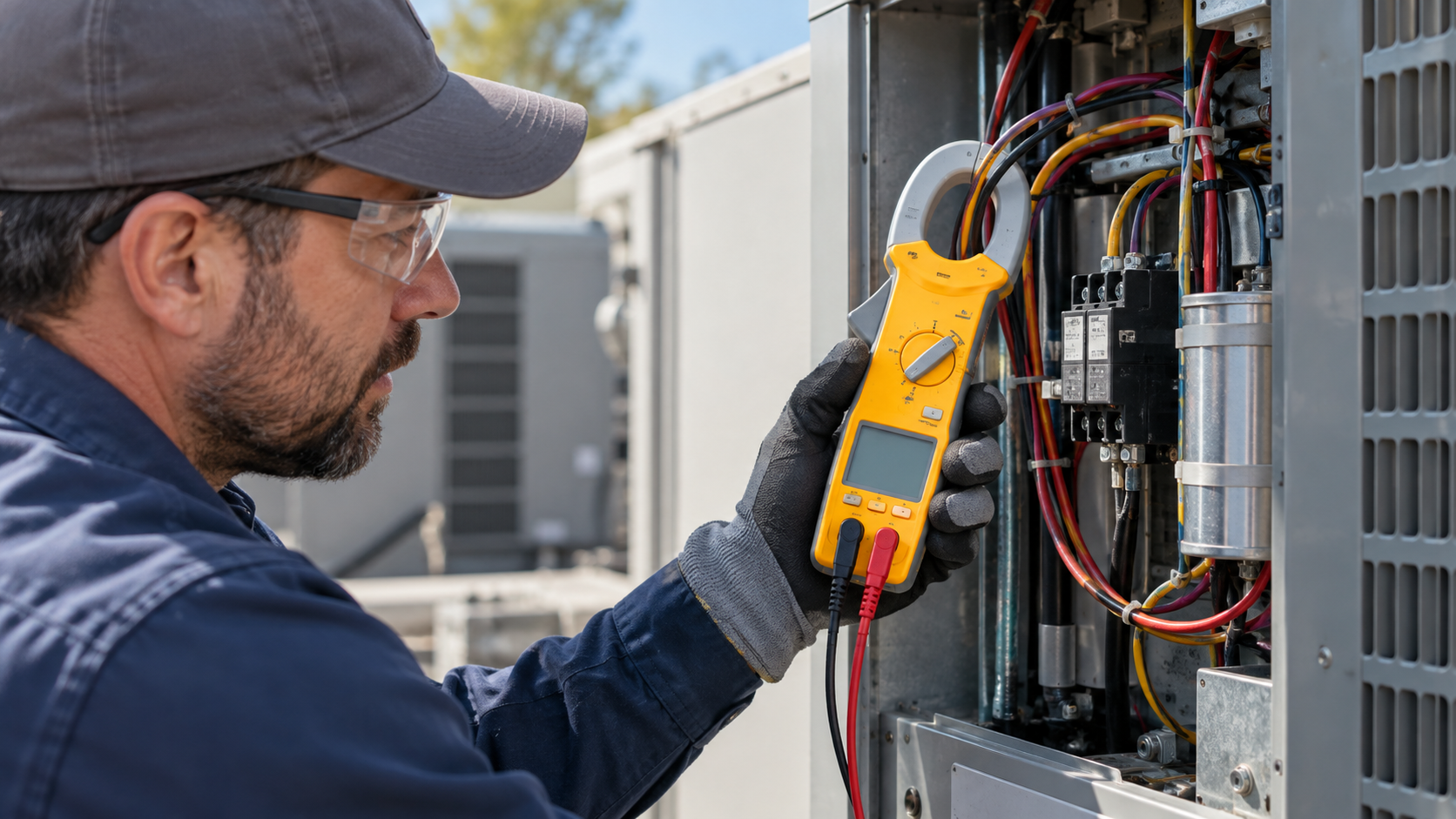
- Remove the test leads from the meter, select the AAC position, and confirm the display reads zero with the jaw open.
- Open the jaw and close it fully around a single conductor. Do not clamp around both the supply and return conductors of a cable, because the readings cancel.
- Read the display. Use the inrush function only when you need to capture a motor’s starting current.
- Open the jaw and remove the meter before you change the function or the range.
For voltage measurements, use the test leads with the protective cap in place for CAT III and CAT IV points. Keep your hands behind the probe guards. For temperature, the manual describes removing the test leads and connecting the Type K thermocouple to the temperature input. Do not leave the thermocouple plugged in while measuring voltage, because the temperature switch prevents that connection from being active during a voltage reading.
Specifications Fieldpiece states
| Item | What the sources state |
|---|---|
| Safety ratings | CAT IV 600 V and CAT III 1000 V (product page, manual, flyer) |
| Display | 10000-count dual display, blue backlight (product page and manual) |
| True RMS | Yes, through the clamp or the leads (product page) |
| Jaw opening | 1.2 in (30 mm) (manual) |
| AC current | 100 A and 600 A ranges, 0.01 A resolution (manual) |
| AC voltage | 1000 mV, 10 V, 100 V and 750 V ranges (manual) |
| DC voltage | 1000 mV, 10 V, 100 V and 1000 V ranges (manual) |
| Frequency through clamp | 10 Hz to 400 Hz (manual) |
| Resistance | Up to 50 MΩ (manual) |
| Capacitance | Up to 10 mF (manual) |
| Wireless range | Not stated on the product page; the 2020 flyer gives 115 ft (35 m) |
| Battery | One 9 V alkaline, about 100 hours typical with wireless and backlight off (product page and manual) |
| Included | ATB1 Type K thermocouple, ASA2 gator clips, ADLS2 silicone leads, ANC12 padded case, RCT2 Molex tips (product page) |
Checks before you buy
- Confirm the current you need. The clamp’s AC ranges top out at 600 A. If your equipment draws more, look at a larger clamp.
- Confirm the DC current need. The sources opened for this guide do not list a DC clamp current range for the SC480, so do not buy it for DC current on a conductor without checking the product features.
- Check the wireless figure. The 2020 flyer gives 115 ft (35 m), and the product page does not state a range. Test the link in your own setup before relying on it.
- Plan for the battery. The meter takes one 9 V alkaline cell. Keep a spare, because the manual asks you to replace the battery when the indicator shows low.
- Check the accessories. The included thermocouple and leads are listed, but the product page does not state their ratings separately, so check the lead rating for CAT III and CAT IV work.
Mistakes to avoid
- Clamping around both conductors of a cable. The readings cancel, and the result looks like no current.
- Using the meter in a CAT III or CAT IV environment without the protective cap on the probe.
- Exceeding the rated 600 AAC of the clamp.
- Relying on the NCV function as proof that a circuit is dead.
- Leaving the thermocouple plugged in when you switch to a voltage measurement.
How we chose
This guide explains one model and does not rank the SC480 against other clamp meters. The criteria were that each figure had to come from Fieldpiece’s product page, Fieldpiece’s operator’s manual or Fieldpiece’s flyer, and that each figure had to be checked against text from one of those sources. The flyer and the product page differ on wireless range, and the guide shows the flyer figure with its source.
What we could not verify
- The full accuracy tables for each range. The manual contains them, but this guide does not reproduce every figure.
- A DC clamp current range for the SC480, since the sources opened for this guide do not state one.
- A current wireless range. The product page does not state one, and the 2020 flyer gives a figure that may not match the current firmware or hardware.
- Long-term durability in a harsh HVACR environment. No source opened for this guide covers it.
Frequently asked questions
Is the SC480 rated for household mains?
The ratings are CAT IV 600 V and CAT III 1000 V. Household outlets are a lower category point, and the meter’s CAT III and CAT IV ratings do not make it a substitute for a licensed electrician on panel or service work. Follow the manual’s procedures and the cap requirement for CAT III and CAT IV points.
Does it measure DC current?
The sources opened for this guide do not state a DC clamp current range. The manual lists a DC microamp range of 1000 µA with 0.1 µA resolution for flame-sensor checks, which is a different function from a DC clamp measurement.
What is the wireless range?
The 2020 flyer gives 115 ft (35 m). The product page does not state a range, so check it in your own installation before relying on it.
What battery does it use?
One standard 9 V alkaline battery, according to the product page and the operator’s manual. The manual says to replace the battery when the indicator shows low, and not to operate the meter with the battery or back case removed.
Can it measure power?
The product page lists power measurement, including watts, reactive power, apparent power and power factor. Check the operator’s manual for the procedure and the conditions that apply to your system before you use these figures for a decision.
Bottom line
The Fieldpiece SC480 is a True-RMS AC clamp meter with a published CAT IV 600 V and CAT III 1000 V rating, a 600 A AC current range, voltage and temperature functions, and a wireless link to the Job Link app. Choose it for AC current and HVACR work when the category of the point matches the rating, use the protective cap in CAT III and CAT IV environments, and check the DC current and wireless figures in your own setup.
Related guides
For a roundup of clamp meters that cover similar HVACR tasks, read Digital Multimeters Compared: 4 Listings. For clamp options by brand and function, read Best Digital Clamp Meters: 4 Picks Compared.
Sources
- Fieldpiece Instruments, “SC480 – 600A Wireless Power Clamp Meter” product page, https://www.fieldpiece.com/product/sc480-wireless-power-clamp-meter/. Opened 2026-10-27.
- Fieldpiece Instruments, “Job Link System Power Clamp Meter Operator’s Manual, Model SC480” (v18), https://resources.fieldpiece.com/wp-content/uploads/2025/10/Opman-SC480-v18.pdf. Opened 2026-10-27.
- Fieldpiece Instruments, “Essential Clamp Meters” SC480/SC680 flyer (2020), https://resources.fieldpiece.com/wp-content/uploads/2020/11/SC480-680-Flyer-11.pdf. Opened 2026-10-27.