How to Check a Multimeter Is Working Correctly
As an Amazon Associate we earn from qualifying purchases.
This guide shows how to test a multimeter on the bench with low-voltage checks: a look at the leads and case, a probe test, the open-lead reading, a DC voltage from a battery, and the fuse and battery checks the manuals describe. A passing check shows the meter responds correctly. It does not prove the meter is accurate on every range, and calibration is outside this guide.
Quick answer
- Touch the probes together first: a beep in continuity and a near-zero reading in ohms show the meter and leads respond.
- Check DC volts against a battery whose voltage is printed on its label, and compare the reading with the window the specification gives for your model.
- If a reading does not match, check the jack, the leads, the battery and the fuse in that order, then stop and have the meter serviced.
Electrical safety
Work on mains circuits can kill. This guide does not cover outlets, panels, service wiring or any other mains circuit, and nothing in it makes a meter safe for household mains.
Before you measure anything, check that the meter’s CAT rating suits the circuit you are testing, and read the rating from the listing or the manufacturer’s manual. Where the listing does not state a CAT rating, do not use that meter on mains. Fluke’s 2019 safety sheet also says to limit use to the specified measurement category, voltage and amperage ratings.
Fluke’s 2019 safety sheet says not to touch voltages above 30 V ac rms, 42 V ac peak or 60 V dc. Each check below stays at battery voltage or uses only the meter’s ohms function.
Panel and service work belongs to a licensed electrician. U.S. workplace rules in 29 CFR 1910.333 limit work on energized equipment to qualified persons, so this guide does not describe live work at all.
How we chose
The checks come from manufacturer manuals and manufacturer learning articles from Fluke, plus the text of 29 CFR 1910.333 from the Cornell Legal Information Institute, which supports the safety rule. Every step cites a page we opened on 2026-10-21 and read for the sentence the step relies on. The method needs only the meter, its leads and a battery.
A method made the cut only if a manufacturer source describes it, it uses the meter, its leads or a battery, the source gives a result to compare against, and it involves no calibration. Pages that returned 403 errors were not counted, including the OSHA pages for 1910.333 and 1910.332 and a NIOSH training PDF. A Fluke article on verifying a meter with a 240 V proving unit was left out, because its method relies on mains-level output.
Retailer listings and third-party manual copies were not used, because they are not manufacturer hosts.
Before you start
Read the manual for your exact model first. The 2020 Fluke manual covers the 110, 113, 114, 115 and 117 meters, and its fuse test is written for the 115 and 117. The 2007 Fluke manual covers the 115C and 117C. A check written for one model may not match the dial or fuse of another.
Gather the meter with its leads, a battery with a printed voltage, and a clear work surface. Fluke’s accuracy article uses a 1.5 V household battery as its example, so this guide uses a 1.5 V cell as the reference. The sources we opened do not give the exact voltage of any specific battery.
Find the jacks before you connect anything. COM is the common return terminal. The red lead goes in the jack that matches the dial, so voltage and resistance use the V jack, and current has its own input. Fluke warns that a wrong jack puts the meter, its equipment and the user at risk.
The checks, step by step
Step 1: Look over the meter and leads
Examine the case before you use the meter. Look for cracks or missing plastic, and check the insulation around the terminals. On each lead, check that the insulation is not nicked or cracked and that there are no gaps where the wire meets the plug or probe. Fluke’s test lead guidance says a visual check often catches the faults that matter. Do not use a meter or lead that looks damaged, and do not use a meter that is not operating properly.
Step 2: Ohm out the test leads
Set the meter to ohms, plug in the leads, touch the probe tips together red to black, and read the display. Fluke says good quality test leads should read about 0.5 ohms or less. If a lead reads higher than that, move on to troubleshooting before you use it.
To find the weak lead, connect one lead at a time between the ohms and common jacks. Fluke also suggests wiggling each connected lead, since an intermittent fault may show only when the lead moves.
Step 3: Check the probes in continuity and ohms
Set the meter to continuity, touch the probes together and listen for a beep. Then switch to resistance and touch the probes together again. The reading should be close to zero. Fluke’s fuse article lists this probe check as part of its test routine, before any measurement.
In resistance mode, relative (REL) mode subtracts test lead resistance, which Fluke puts at typically 0.2 to 0.5 ohms. With the leads touching, the display ideally shows 0 ohms once REL is set. For a fuller guide to continuity, see the continuity tester guide.
Step 4: Check the open-lead reading
With the leads plugged in and not touching anything, set the meter to resistance. The display should show OL. Fluke notes that the MΩ symbol may appear, because open test leads have very high resistance. If the open-lead display does not match, recheck the dial and jacks before going further. For what the ohms ranges mean, see what the 200 ohms setting means.
Step 5: Check DC volts against a battery of known voltage
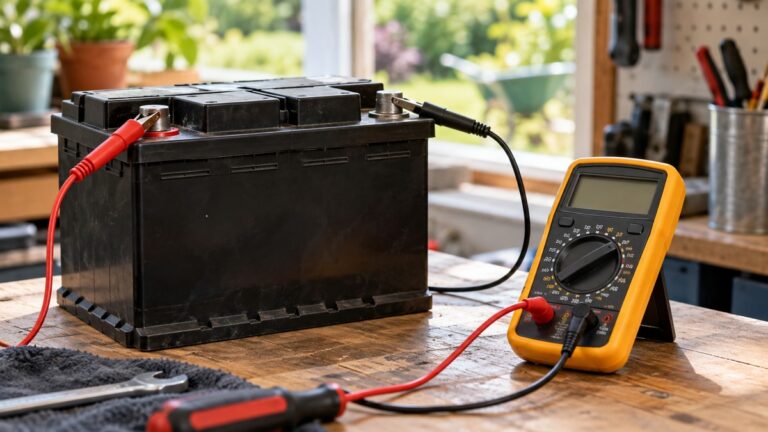
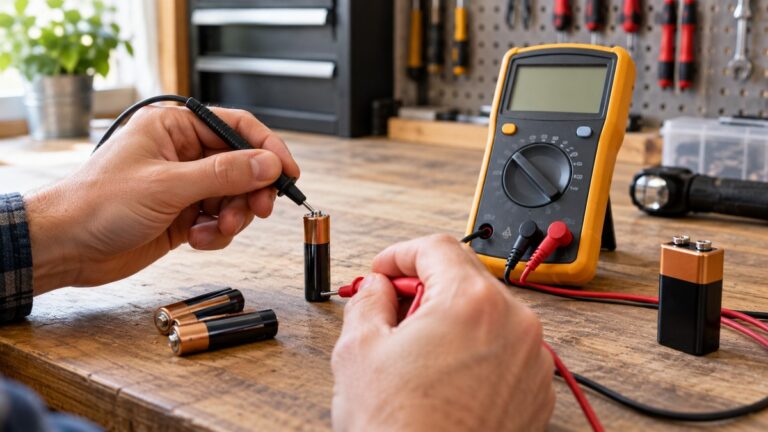
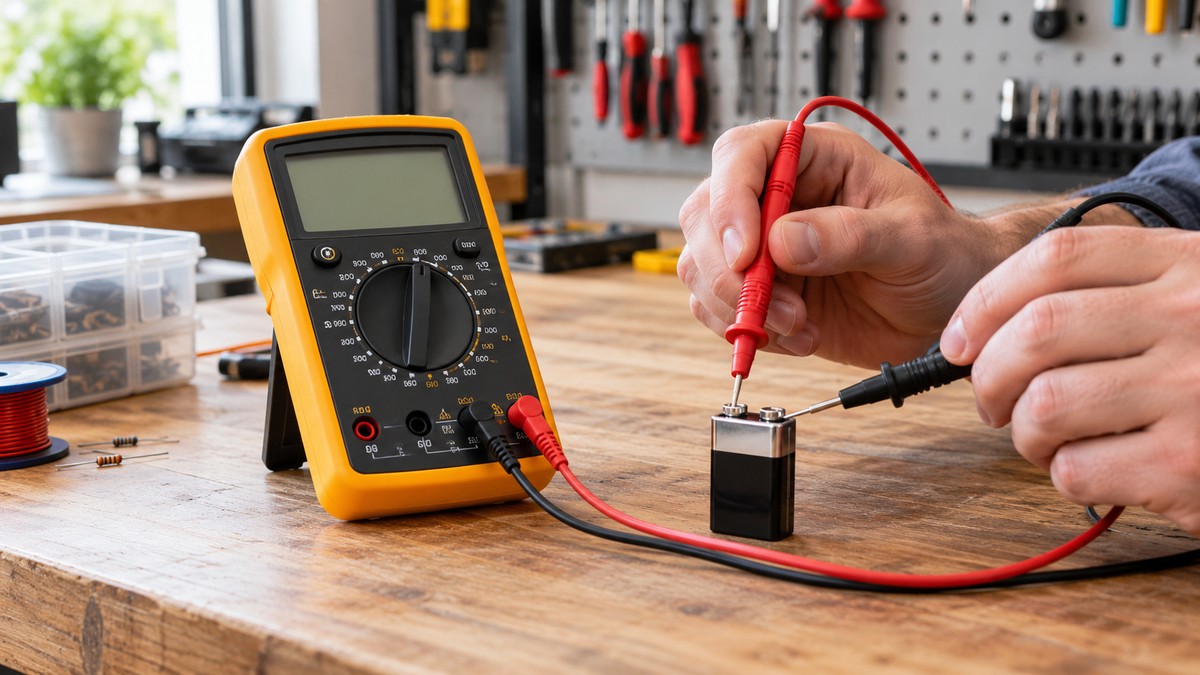
Set the dial to the DC voltage position, which the 2020 manual labels DC for DC voltage. Plug the black lead into COM and the red lead into V. Connect COM before the live lead, then touch the black probe to the battery’s negative terminal and the red probe to the positive terminal. Read the display and compare it with the voltage printed on the battery. When you finish, remove the red lead first and the black lead second.
Fluke’s 2019 safety sheet says to measure a known voltage first, and its 2007 manual gives the same check as a way to verify that the meter operates. Fluke defines accuracy as the largest allowable error under specific conditions. The specification sheet for the 114, 115, 116 and 117 lists DC volts at 0.5 % of reading plus 2 counts. On the 6.000 V range, one count is 0.001 V. So a 1.5 V reading has a window of about plus or minus 0.0095 V: 0.5 % of 1.5 V is 0.0075 V, and 2 counts add 0.002 V. This window is calculated from the listed figures, so check your own model’s specification.
A battery is only a rough reference. The sources we opened do not give the voltage of a specific battery, so a battery reading can confirm that the meter responds and lands near the printed value. It cannot confirm accuracy within a few millivolts.
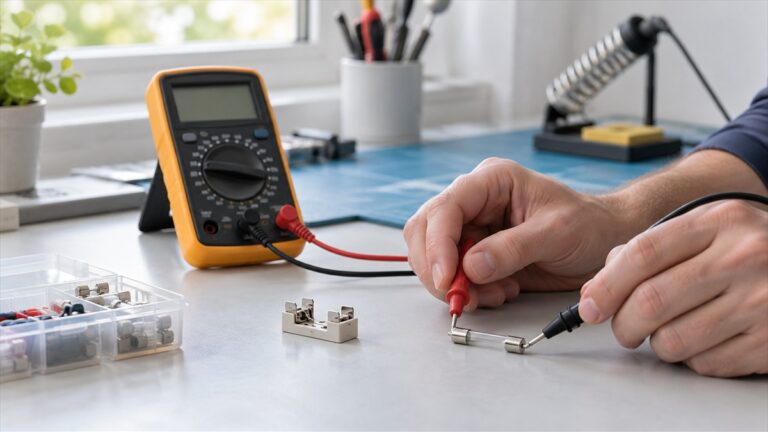
Step 6: Check the meter’s fuse as the manual shows
The 2020 manual has a section titled Testing the Fuse for the 115 and 117 models, and it points to Figure 1 for the method. The text layer of that figure is partly garbled in the copy the sources we opened, so this guide does not state its pass value; read Figure 1 in your own copy. If the fuse needs replacing, remove the test leads before opening the case, and fit only the fuse with the amperage, interrupt voltage and speed ratings the manual specifies. The 2007 manual warns that the protection may be impaired by any fuse other than the one specified.
To check a fuse in a circuit rather than the meter’s own fuse, see checking a circuit fuse.
Step 7: Check the battery warnings
The 2020 manual shows a battery low warning on the display. Its error table also lists a CAL Err message, which means the battery must be replaced before the meter will operate. To replace the battery, remove the test leads, undo the battery door screw, and lift the door. The battery fits inside the door, which then goes into the case, and the manual warns against installing the battery directly into the case.
Reading the results
Use this table to judge each check. Each row names the source behind it.
| Check | Expected result | Source |
|---|---|---|
| Test leads touched together, ohms | About 0.5 ohms or less | Fluke test lead article |
| Probes touching, continuity | A beep | Fluke fuse article |
| Probes touching, ohms | Near zero; REL subtracts lead resistance, typically 0.2 to 0.5 ohms | Fluke fuse article; Fluke resistance article |
| Leads unconnected, ohms | OL on the display | Fluke resistance article |
| Continuity beep threshold | Depends on model and range; one example beeps at 40 ohms or less on the 400.0 ohm range | Fluke continuity article; Fluke specifications |
| DC volts, 1.5 V reference on the 6.000 V range | Within about plus or minus 0.0095 V (calculated) | Fluke specifications; Fluke accuracy article |
A beep is not a measurement. Fluke’s test lead article notes that a meter can beep with up to about 15 ohms in the leads. The specification sheet for the 114 to 117 says the beeper turns on below about 20 ohms and turns off above about 250 ohms.
What to do if a reading does not match
Work through these steps in order and stop when the reading matches.
- Recheck the setup. Confirm the dial position and the jack for the red lead. Fluke says the red lead’s jack has to match the dial parameter.
- Isolate the leads. If the leads read above 0.5 ohms, test one lead at a time, wiggle it while connected, and replace a lead that still reads high.
- Replace the battery. If the battery low warning shows or the CAL Err message appears, replace the battery with the leads removed.
- Check the fuse. Follow Figure 1 in the 2020 manual, and fit only the specified fuse.
- Stop and have it serviced. If the meter still reads outside the window, or the readings stay high or noisy, stop using it for measurements that matter. The 2007 manual says: “If in doubt, have the Meter serviced.”
The specification sheet gives accuracy only for one year after calibration, so the windows in this guide apply only while that accuracy is in force. Calibration needs a calibrator and is outside this guide.
Common mistakes
- Putting the red lead in the A jack to measure voltage. Fluke says this creates a short in the measurement circuit.
- Leaving the red lead in a jack that does not match the dial setting. The jack must match the dial.
- Trusting a beep alone. The threshold changes with model and range, as the table shows.
- Measuring resistance in a live circuit. The 2007 manual says to disconnect circuit power before testing resistance or continuity.
- Measuring resistance with the component still in the circuit. Fluke says the best results come when the component is removed.
- Ignoring lead resistance on low readings. Relative mode exists to subtract it, according to Fluke.
- Treating a battery as an exact reference. The sources we opened do not give a battery’s voltage.
- Opening the case with the leads still connected. The manual says to remove them first.
- Using a cracked lead or a meter that does not operate properly. The 2007 manual says not to use either.
What we could not verify
The sources we opened do not cover the following points.
- A built-in self-test. The 2020 and 2007 manuals describe no self-test menu, so the probe, lead and open-lead checks above are the only self-checks this guide can source.
- A user method for checking ohms with a resistor of known value. The Fluke calibration document uses a multi-product calibrator for its verification steps, which is outside this guide.
- The pass value for the fuse test. The text layer of Figure 1 is partly garbled in the copy opened.
- The exact voltage of any specific battery, so no battery counts as a precise reference.
- CAT ratings for your meter. The sources we opened do not state one for it, so read the rating from your listing or manual.
- Accuracy beyond the one-year window in the specification sheet.
In plain words, the sources we opened show no known-resistor check, give no pass value for the fuse figure, and give no battery voltage precise enough to confirm accuracy within a few millivolts.
FAQ
Does a passing probe test prove the meter is accurate?
No. The probe test shows that the meter responds to a short, and the beep depends on the model and range. Fluke’s accuracy article says accuracy requires a comparison to an accepted industry standard, which a probe test does not provide.
Is a beep enough to call a test lead good?
No. Fluke’s test lead article notes that continuity can beep with up to about 15 ohms in the leads, which is far above the 0.5 ohm figure for good leads. Use the ohms reading for the lead check.
What if my leads read above 0.5 ohms?
Fluke says that is the point to start troubleshooting. Test each lead on its own, wiggle it while connected, and replace any lead that still reads high. Fluke also says a lead that shows a problem is probably due for a new set.
Why does my battery reading not match the label exactly?
The sources we opened do not give the voltage of a specific battery, so the printed label is the only reference this guide uses. Compare the reading with the calculated window for your model. If it falls outside that window after you have checked the setup, leads and battery, stop using the meter for accurate work and have it serviced.
Do I need to open the case to check the fuse?
Figure 1 in the 2020 manual is the fuse test for the 115 and 117 models. Opening the case belongs to replacing a fuse, and the manual says to remove the test leads first. Use only the fuse type the manual specifies.
Can I keep using a meter that fails a check?
Not for measurements that matter. Fluke’s 2019 safety sheet says not to use the product if it operates incorrectly, and the 2007 manual says to have it serviced when in doubt.
Sources
- Fluke, 110/113/114/115/117 True-rms Multimeter Users Manual, March 2020: https://media.fluke.com/5e1db354-3a6e-49cf-9edd-b10800c0e608_original%20file.pdf
- Fluke, 115C and 117C True-rms Multimeters Users Manual, July 2006 Rev. 1, 2/07: https://media.fluke.com/e1cd3028-893f-4a9a-8a67-b10800c0e814_original%20file.pdf
- Fluke, True-rms Multimeter Safety Information, December 2019: https://media.fluke.com/67fa3ef8-72a0-424a-8ff6-b10800c0e635_original%20file.pdf
- Fluke, Detailed specifications for the 114, 115, 116 and 117: https://media.fluke.com/ce54d963-3be9-4e70-8a3e-b1060070fdfd_original%20file.pdf
- Fluke, Calibration Information for the 110 to 117 family, Rev. 4, 1/26: https://media.fluke.com/65244ea8-3346-478e-8a31-b10800c0e534_original%20file.pdf
- Fluke Learn, How to Check a Fuse with a Multimeter: https://www.fluke.com/en-us/learn/blog/digital-multimeters/how-to-check-fuse-with-multimeter
- Fluke Learn, How to Test Multimeter Test Leads for Accuracy and Safety: https://www.fluke.com/en-us/learn/blog/digital-multimeters/testing-your-test-leads
- Fluke Learn, How to Measure Resistance with a Digital Multimeter: https://www.fluke.com/en-us/learn/blog/digital-multimeters/how-to-measure-resistance
- Fluke Learn, Why Digital Multimeter Accuracy and Precision Matter: https://www.fluke.com/en-us/learn/blog/digital-multimeters/accuracy-precision
- Fluke Learn, How to Measure DC Voltage with a Digital Multimeter: https://www.fluke.com/en-us/learn/blog/digital-multimeters/how-to-measure-dc-voltage-with-a-digital-multimeter
- Fluke Learn, The Dials, Buttons, Symbols, and Display of a Digital Multimeter: https://www.fluke.com/en-us/learn/blog/digital-multimeters/multimeter-dial-button-jacks-display
- Fluke Learn, A Guide to Continuity Testing with a Multimeter: https://www.fluke.com/en-us/learn/blog/digital-multimeters/how-to-test-for-continuity
- Fluke Learn, electrical measurement safety article: https://www.fluke.com/en-us/learn/blog/safety/electrical-measurement-safety
- 29 CFR 1910.333, Cornell Legal Information Institute: https://www.law.cornell.edu/cfr/text/29/1910.333