How to Choose a Multimeter for PC Troubleshooting
As an Amazon Associate we earn from qualifying purchases.
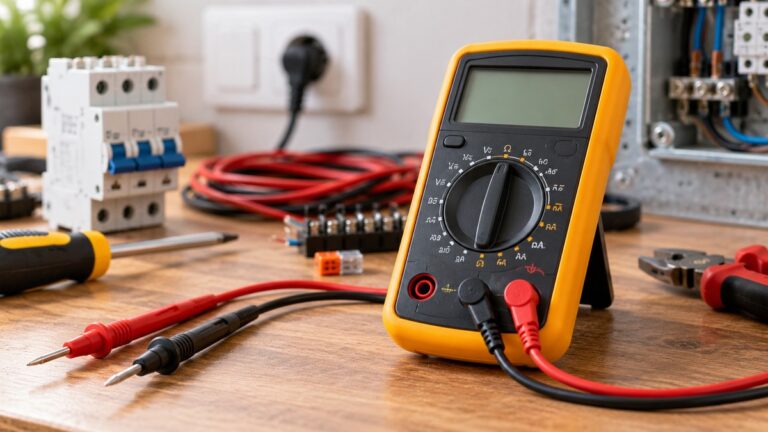
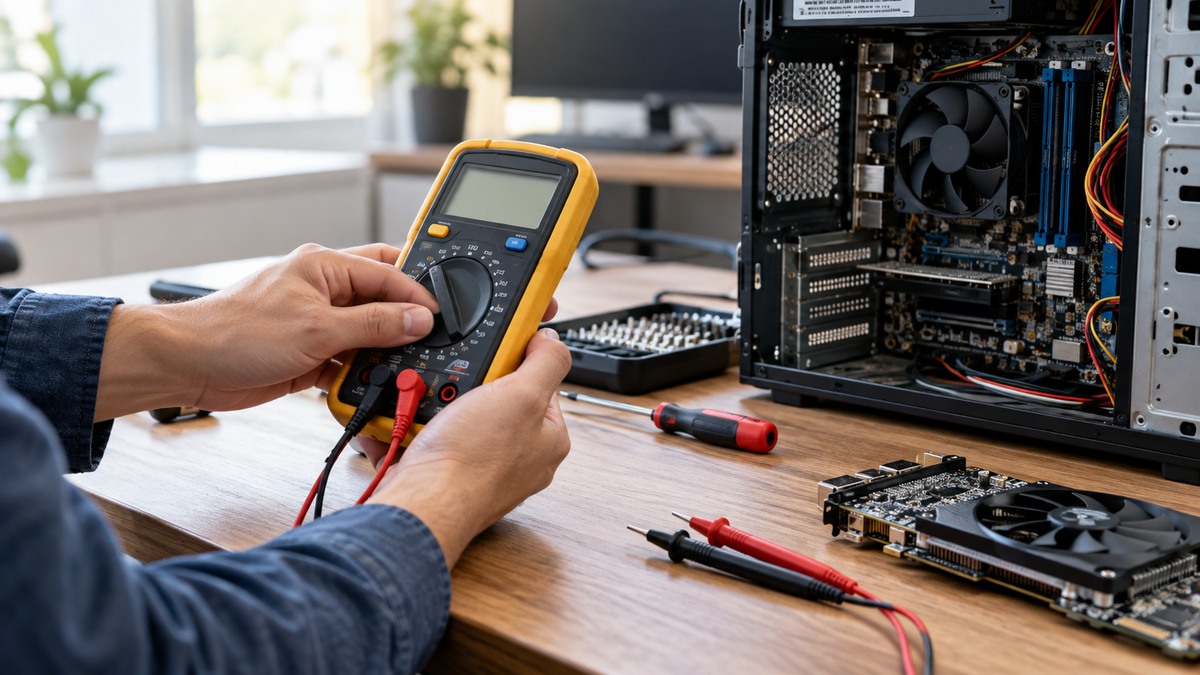
How to choose a multimeter for PC troubleshooting comes down to the job. The useful bench checks inside a computer case are low-voltage continuity checks on front-panel switch cables and fan cables, done with the system off. For those checks, a meter needs a continuity beep, a resistance range, and a CAT rating that suits the work, and each of these should be confirmed on the listing or the manufacturer manual before you buy.
Electrical safety
Work on mains circuits can kill. A Japanese university safety guide says that electrical shock “can make a fatal accident”, and that working on an electrical panel and wiring cables is not permitted except for a qualified, licensed electrician. That guide reflects Japanese rules. The sources we opened do not set out the rules for your country, so check your local requirements before any panel or service work.
Before you measure anything, check that the meter’s CAT rating suits the circuit you are testing, and read the rating from the listing or the manufacturer’s manual. CAT is the measurement category that describes how well a meter is protected against voltage surges. One manufacturer guide advises that you “always choose a tool rated for the highest category you could potentially use it in” and select a voltage rating to match or exceed those situations.
Panel and service work belongs to a licensed electrician. This guide does not cover live mains, outlets, a power supply that is plugged in, or service wiring.
Quick answer
- Pick a meter with a continuity beep and a resistance (ohms) range. The sources describe continuity mode as often combined with resistance.
- Run the checks with the system off. One source says to turn the system off before checking for continuity.
- Confirm the pin layout in your motherboard manual before you probe any header.
- Read the listing for the CAT rating and the features you need, and do not assume a rating that is not stated.
Which PC checks a multimeter can support
In this guide, a PC check means a low-voltage bench check with the computer off. The two checks covered here are confirming that a case power switch or reset switch cable closes a circuit when its button is pressed, and confirming that each wire in a fan cable has a continuous path. Continuity is the test for a complete path. A digital multimeter (DMM) “emits a beep if a complete path (continuity) is detected”, per one Fluke guide.
Checks that involve a running PC, reading rails from a power supply, or touching anything connected to mains are outside this guide. The sources we opened do not describe a safe low-voltage method for those tasks.
How we chose
The criteria for this guide were simple. A fact had to appear in a page we opened and read, not in a search snippet. Procedures had to come from an opened source that describes the same step. Meter features are stated only where a listing or manufacturer page states them. We opened 18 distinct pages and cite 17 of them. One page was left out because it covers testing a mains power cord. Three pages returned errors (two returned HTTP 403, one returned HTTP 500) and are not counted.
What to check on a listing
A PC check depends on a few features. Start with the CAT rating. One manufacturer product page for a single model states “CAT III 600 V safety rated”, but that figure applies only to that model. The sources we opened do not say which CAT category a PC front-panel header or fan header falls into, so do not assume a rating for those circuits. Read the rating on each listing you consider.
Next, check for a continuity buzzer. The same product page lists a “Diode and continuity test with buzzer”. The sources describe continuity mode as often combined with resistance (Ω).
Check the stated basic DC accuracy if the listing gives one. The same product page states “Basic dc accuracy 0.5%” for that model. The sources we opened do not say what accuracy a continuity check needs, so this figure is a listing fact, not a requirement for PC work.
Finally, check the condition of the meter and the probes. One guide states, “You should never use a damaged meter or damaged test probes.” One guide says to “keep an eye out for exposed metal or any cracks in the casing” before use.
Preparation
Turn the system off before you start. One electronics tutorial says, “In general, turn OFF the system before checking for continuity.” The Fluke automotive guide makes the same point for circuits: “Disconnect battery power or isolate the circuit before testing for continuity.” The same Fluke guide warns, “Avoid testing powered circuits in continuity or resistance mode — this can damage the meter.”
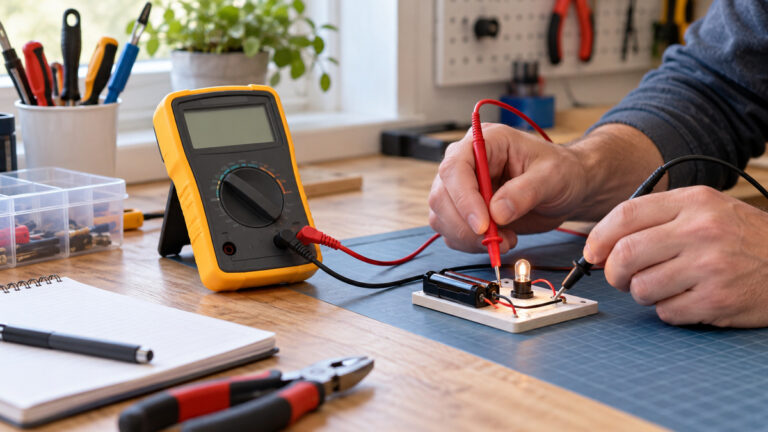
Set the dial to continuity test mode. Insert the red lead into the VΩ jack, as the Fluke continuity guide describes. Then touch the two test leads together. You should hear a beep. A school engineering wiki gives the same check: “You should hear a beep. This indicates continuity.” If the meter does not beep at this step, do not continue until you find out why.
Keep the circuit de-energized while you test. The Fluke continuity guide says: “With the circuit de-energized, connect the test leads across the component being tested.”
Step 1: Check the case power switch cable
Find the cable labeled PWR SW or the power button cable, and the cable for RESET SW. One hardware guide says the power switch “always plugs in the same way.” The switch cables are two-pin connectors. Their polarity does not matter. One hardware guide says, “Polarity does not matter for switches”, and the Sunbeam front-panel guide says the power switch and reset switch have “no polarity concern”.
With the system off, touch the test leads to the two pins of the switch cable and press the case button. The Fluke guide says a closed switch makes the meter beep: “If the circuit is open (the switch is in the OFF position), the DMM will not beep.” A beep while the button is pressed shows that the switch circuit closes. No beep while the button is pressed means the switch cable or the switch is not closing a path between those two pins. The sources we opened do not give a normal resistance value for a case switch, so the result is a beep or no beep, not a number to compare against.
Use this check only to confirm the cable and the switch. It does not confirm the motherboard. The sources we opened do not describe a way to test the motherboard with a multimeter.
Step 2: Find the front-panel header layout in your manual
On most desktop boards, the front-panel header has 9 or 10 pins. One guide to the common layout states that the power switch sits on pins 6 and 8, the reset switch on pins 5 and 7, and the power LED on pins 2 and 4. It adds that pin 9 is left empty and pin 10 has no pin at all, because it is the “orientation key”. The same guide says the LED pins are polarity-sensitive, so positive and negative must match, and another guide notes that “Polarity matters for the LED cables”.
The layout is not the same on every board. The Sunbeam guide notes that MSI marks pin 9 as reserved, while on Intel’s reference it carries +5V and on ASRock it is ground. One ASUS NUC FAQ says “Most, but not all, NUC motherboards have a 9-pin or 11-pin (2.0 mm pitch) front panel header.” That is a reminder that a diagram from one board may not match another.
The rule that follows from these sources is to use your own board’s diagram. One guide tells readers to “Open the manual to the layout page and use the front-panel pin diagram.” Match the pins in that diagram to the cable labels before you probe.
Step 3: Check a fan cable
One hardware guide lists them as Pin 1 GND (ground), Pin 2 +12V (power supply), Pin 3 Sense (tach, the RPM feedback to the motherboard), and Pin 4 Control (PWM, the speed control signal). A second guide says that “Most modern 4-pin fans use the above convention.” That wording leaves room for exceptions, so the fan label and the board manual come first.
A 4-pin fan on a 4-pin header gets PWM control. A manufacturer FAQ states, “A 4-pin header is necessary for PWM control.” The same FAQ says a 4-pin connector can go on a 3-pin header, but that the fan “will no longer benefit from PWM control.”
The same hardware guide gives a voltage range for speed control: the voltage on Pin 2 is “typically ranging from 5V to 12V” and “most fans have a minimum voltage threshold of around 7V before they start spinning reliably.” Those are powered figures. This guide does not describe a voltage check on a running PC.
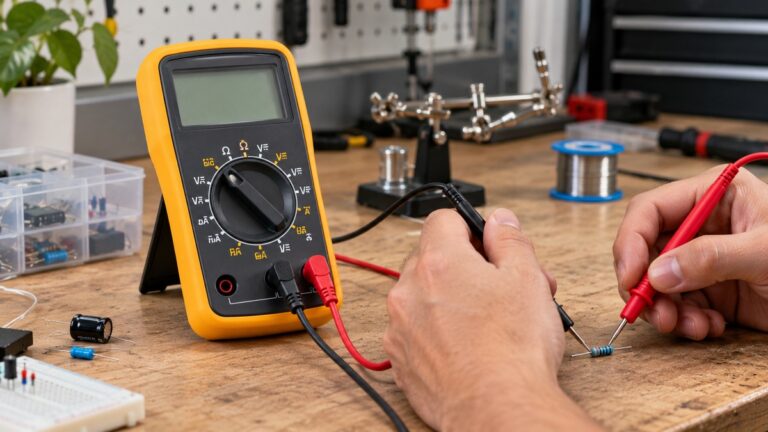
For a fan cable on a bench, the method is a continuity check with the cable off and disconnected from the board. Touch one lead to the connector pin at one end and the other lead to the matching pin at the other end, and listen for a beep. The sources we opened do not give a fan-cable test, so this step applies the general continuity method from the Fluke guide to a single wire. Repeat for each of the four wires.
Reading the results
A beep means the meter found a complete path. The Fluke guide says a multimeter “typically beeps if the component has 40 Ω or less resistance” at its 400 Ω range, which describes that meter’s threshold. Other meters may use different thresholds, so check the listing or the manual for your model. The SparkFun tutorial says that if the resistance is more than a few ohms, the circuit is open and no tone is emitted.
No beep means the path is open or the resistance is above the meter’s threshold. For a switch, that can mean the switch is not closing. For a wire, it can mean a break. The sources we opened do not say what the next step should be inside a motherboard or fan, so do not assume the cause from one reading.
Common mistakes
- Testing a powered circuit in continuity mode. The Fluke automotive guide warns this can damage the meter. Turn the system off first.
- Assuming a header layout from another board. The sources say layouts vary between boards.
- Reversing an LED cable. One guide says the LEDs will not light, though a reversed LED will not be damaged.
- Using a damaged probe. The Fluke guide says never to use damaged test probes.
- Treating a beep as a complete diagnosis. A beep on a switch cable shows a closed path. It does not show that the motherboard, fan, or power supply works.
FAQ
Can a multimeter check a PC power button?
Yes, for the cable and the switch. With the system off, a continuity check across the two switch pins should beep while the button is pressed, per the Fluke guide’s description of a closed switch. The sources do not show that this proves the motherboard works.
Does polarity matter for the reset button?
No. One hardware guide says polarity does not matter for switches, and the Sunbeam guide says the reset switch has no polarity concern. The LED cables are different, and their polarity does matter.
Which fan pins carry power?
In the common 4-pin convention, Pin 1 is ground and Pin 2 is +12V. The sources say this is the common convention and that not every fan follows it, so check the fan label and the board manual.
Do I need a particular CAT rating for PC work?
The sources we opened do not say which CAT category a PC header or fan cable falls into. The Fluke guide advises choosing a tool rated for the highest category you could potentially use it in, so check the listing for the rating and do not assume one.
Can I test a power supply with this meter?
This guide does not cover a power supply. It is fed from mains, and the sources we opened do not describe a safe low-voltage method for testing it.
Should I ground myself before touching PC parts?
One manufacturer page says that grounding yourself before touching PC components “is not necessary”, and adds that “There is no downside to being cautious here.”
Related guides
For the basic meter setup, read the step-by-step continuity tester guide. For a broader look at digital multimeter models, see the digital multimeter guide for home and shop use.
What we could not verify
The sources we opened do not cover every point in this guide. Here is what they do not say.
- No source we opened gives a normal resistance for a case switch cable or a fan wire.
- We did not open a motherboard manual for a specific board. The layouts here come from hardware guides and one NUC page.
- The sources agree on the common 4-pin fan convention but do not cover every fan.
- The sources do not say which CAT category applies to a PC header or fan cable.
- The sources do not say what meter accuracy a continuity check needs.
- Only one meter listing we opened states a CAT rating, and it applies to that model alone.
- The licensed-electrician rule comes from a Japanese university guide. The sources we opened do not set out the US rule.
- One manufacturer page says grounding is not necessary before touching PC parts. The sources we opened do not compare that advice with other guidance.
Sources
- https://www.rcnp.osaka-u.ac.jp/Divisions/safety/English/safety%20guidebook_English/6.pdf
- https://www.fluke.com/en-us/learn/blog/safety/multimeter-guide
- https://www.fluke.com/en-us/learn/blog/renewable-energy/the-right-solar-tools-based-on-cat-and-voltage-ratings
- https://www.fluke.com/en-ca/learn/blog/digital-multimeters/how-to-test-for-continuity
- https://www.fluke.com/en-us/learn/blog/digital-multimeters/how-to-perform-automotive-continuity-checks-with-a-multimeter
- https://learn.sparkfun.com/tutorials/how-to-use-a-multimeter/continuity
- https://mvths-wiki.readthedocs.io/en/latest/004c-continuity.html
- https://www.fluke.com/en-sg/product/electrical-testing/digital-multimeters/fluke-101
- https://sunbeamtech.com/hardware-guides/jfp1-motherboard-front-panel-cables/
- https://www.evetech.co.za/how-to-connect-front-panel-headers-cables/e/3673
- https://www.darkflash.com/article/understanding-motherboard-front-panel-header-pins
- https://www.asus.com/us/support/faq/1052537/
- https://www.pcworld.com/article/2853152/every-io-connector-for-your-desktop-pcs-front-panel-explained.html
- https://sunbeamtech.com/hardware-guides/cpu-fan-header-where-it-is-and-how-to-use-it/
- https://geekchamp.com/?p=685565
- https://www.corsair.com/explorer/diy-builder/fans/rs-series/
- https://www.corsair.com/explorer/diy-builder/how-tos/do-you-really-need-to-ground-yourself-before-touching-pc-components/